


When you create marketing materials, business cards, or custom products through Vistaprint, your project feels like a valuable digital asset. Naturally, many users wonder whether they can download a master copy of their finished design for safekeeping, reuse, or external editing. The answer is not always straightforward and depends on the type of product, the content used, and the platform’s policies. Understanding how Vistaprint handles design files is essential before you rely on it as your long-term design storage solution.
TLDR: In most cases, Vistaprint does not provide a downloadable master or fully editable source file of your completed project. You can usually download proofs or previews in limited formats, but original layered or production-ready files are not typically available. This is due to licensing, proprietary templates, and production workflow limitations. If you need full control over your design files, you should prepare and save them independently before uploading.
Understanding What “Master Copy” Really Means
Before diving deeper, it’s important to clarify what users generally mean by a master copy. For professional designers and business owners, a master copy typically refers to:
- The original editable source file (such as AI, PSD, or layered PDF)
- A high-resolution, print-ready production file
- Assets used in the design (fonts, graphics, logos)
- A version that can be modified outside the platform
Vistaprint operates differently from professional design software. It is primarily a print-on-demand and marketing product platform, not a full-scale file distribution service. This distinction explains why access to master files is limited.
What You Can Download from Vistaprint
In many cases, Vistaprint allows customers to download certain project-related files. These usually include:
- Digital proofs (often in PDF format)
- Low or medium resolution previews
- Specific digital products such as social media graphics (depending on purchase)
However, these downloads are not the same as receiving the original source file created within Vistaprint’s proprietary editor.
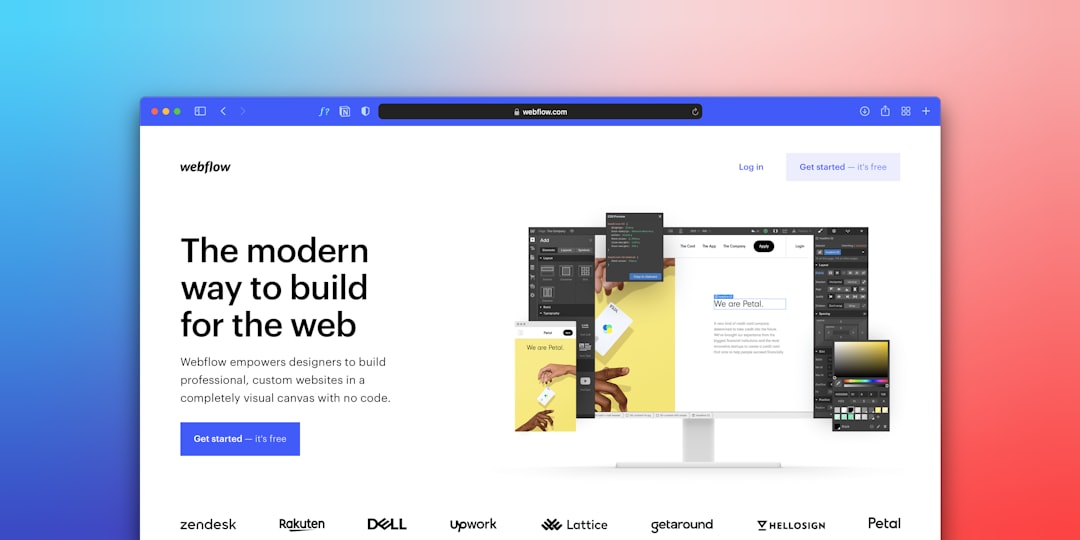
The internal design builder used by Vistaprint relies heavily on licensed assets, locked templates, and production-layer formatting. The file generated for printing may contain proprietary adjustments that are not designed for external editing.
Why Vistaprint Does Not Commonly Provide Master Files
There are several legitimate and practical reasons why Vistaprint does not typically distribute editable master copies of projects.
1. Proprietary Templates and Software
The platform uses internally developed design tools. These tools structure designs in a way optimized for printing machinery and production standards. Exporting a fully layered, editable version would require converting proprietary formatting into universal formats, which can compromise quality or reliability.
2. Licensing Restrictions
Many fonts, icons, and stock images available in Vistaprint designs are licensed for specific uses within the platform. Allowing customers to download fully editable versions could:
- Violate third-party licensing terms
- Enable unapproved reuse of paid assets
- Create legal exposure for the company
3. Production Optimization
Print providers often modify files behind the scenes to ensure correct bleed areas, color calibration, resolution standards, and trim lines. The final production file may differ from what customers see in the editor interface.
4. Business Model Structure
Vistaprint’s primary service is producing physical goods. Providing full master files would effectively turn the platform into a file distribution solution, which is not its core function.
When Can You Download a File?
There are specific situations where file access is more flexible:
- Uploading Your Own Design: If you upload a ready-made design for printing, you retain your original file since you created it independently.
- Logo Purchases (Selective Cases): Some branding packages may offer higher resolution files, depending on the product selected.
- Digital-Only Purchases: Certain digital marketing products may be downloadable after purchase.
However, even in these scenarios, it is essential to carefully review the product description and terms before purchase.
What Happens to Your Design After Purchase?
Once you finalize and order a product, Vistaprint typically stores your design in your account under previous projects. This allows for easy reordering in the future.
While this storage feature is convenient, it does not equate to owning a master production file. You are essentially retaining ordering access, not ownership of exportable layered source documents.
Risks of Relying Solely on Platform-Based Designs
Relying exclusively on a closed ecosystem for design management can introduce long-term limitations:
- Platform Changes: Template or editor updates may alter how your design renders in future orders.
- Asset Discontinuation: Some graphics or fonts may become unavailable over time.
- Restricted Portability: You cannot easily move your design to another printer.
- Limited Editing Flexibility: Complex modifications may not be possible within the builder.
For businesses planning long-term branding consistency, these limitations are significant.
Best Practices If You Want Full Control
If owning a master copy matters to you, consider the following best practices:
1. Design Offline First
Create your marketing materials using professional graphic design software before uploading them to Vistaprint. This ensures you retain:
- Editable source files
- Layer control
- Font ownership documentation
- Complete brand archives
2. Save All Original Assets
Maintain a secure backup of:
- Logos in vector format
- High-resolution images
- Brand color specifications
- Typography files (where licensed)
3. Confirm Licensing Terms
If you use platform-based assets, carefully read the licensing agreement to understand whether reuse outside the platform is permitted.
Comparison: Platform-Based Design vs. Independent Design Control
| Feature | Using Vistaprint Editor | Designing Independently |
|---|---|---|
| Download Full Source File | Rarely available | Fully available |
| Editable Outside Platform | Limited | Complete flexibility |
| Production Optimization | Automatic | Must be configured manually |
| Asset Licensing | Restricted to platform | Controlled by user |
| Long-Term Brand Control | Moderate risk | High control |
This comparison highlights a critical distinction: platforms like Vistaprint prioritize convenience and production efficiency, while independent design workflows prioritize ownership and flexibility.
Situations Where a Master Copy May Not Be Necessary
It is worth acknowledging that not every customer needs a master file. For example:
- Individuals ordering occasional personal items
- Small businesses needing quick promotional materials
- Users without plans to change printers
- Short-term marketing campaigns
In these cases, Vistaprint’s storage and reorder system may be entirely sufficient.

The platform offers convenience, simplicity, and integrated production—key factors for many users.
Legal and Ownership Considerations
Ownership of a design can be conceptually different from ownership of a file. Even if you input all of your text and upload your logo, the file generated within Vistaprint’s editor may incorporate proprietary layout structures.
This means:
- You own your original logo and text.
- You may not own the editable structure of the template used.
- The final print file may be partially protected by platform rights.
Carefully reviewing Vistaprint’s terms of service provides the most accurate and up-to-date clarification.
Conclusion
So, can you download a master copy of your project on Vistaprint? In most cases, no—at least not in the sense of receiving a fully editable, layered source file suitable for professional modification. You can often download proofs or limited digital versions, but proprietary formats and licensing structures restrict access to production-ready files.
For users who prioritize convenience and streamlined printing, this limitation may not matter. However, businesses focused on long-term brand consistency and asset ownership should proactively design and store their files independently.
Ultimately, Vistaprint is optimized for delivering high-quality printed products—not for serving as a master file repository. Understanding this distinction will help you make informed decisions and protect your brand’s creative assets over the long term.