

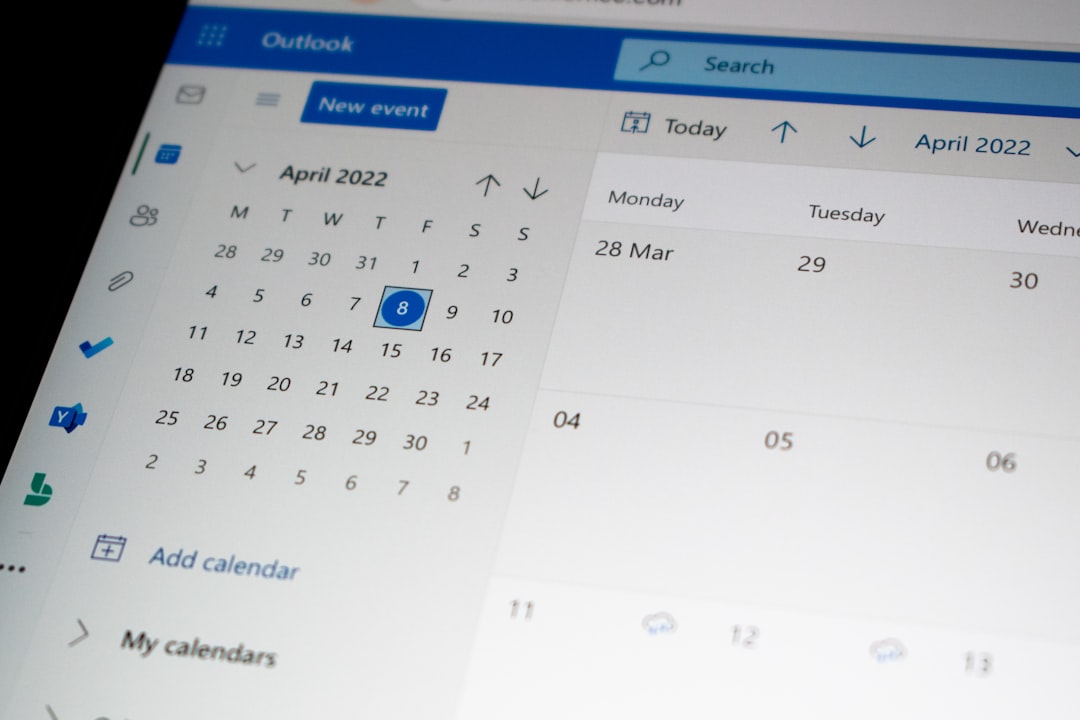
Booking meetings should be easy. But it rarely is. Emails fly back and forth. Times get mixed up. Double bookings happen. And suddenly your calm workday feels chaotic.
That is where appointment scheduling apps come in. These tools remove the back-and-forth. They prevent conflicts. They save hours every week. And they make you look organized and professional.
TLDR: Appointment scheduling apps stop double bookings and endless email chains. They sync with your calendar and let others book open time slots instantly. Tools like Calendly, Acuity Scheduling, and Setmore are simple to use and packed with helpful features. If you want to save time and reduce stress, using one of these apps is a smart move.
Let’s explore 7 appointment scheduling apps that eliminate booking conflicts and save time.
Why Use an Appointment Scheduling App?
Before jumping into the tools, let’s talk about the benefits.
- No more double bookings. Apps sync with your calendar in real time.
- Fewer emails. People choose a time that works for them.
- Automatic reminders. Fewer no-shows.
- Easy rescheduling. No awkward messages.
- Professional experience. You look polished and organized.
Now let’s dive into the best options.
1. Calendly
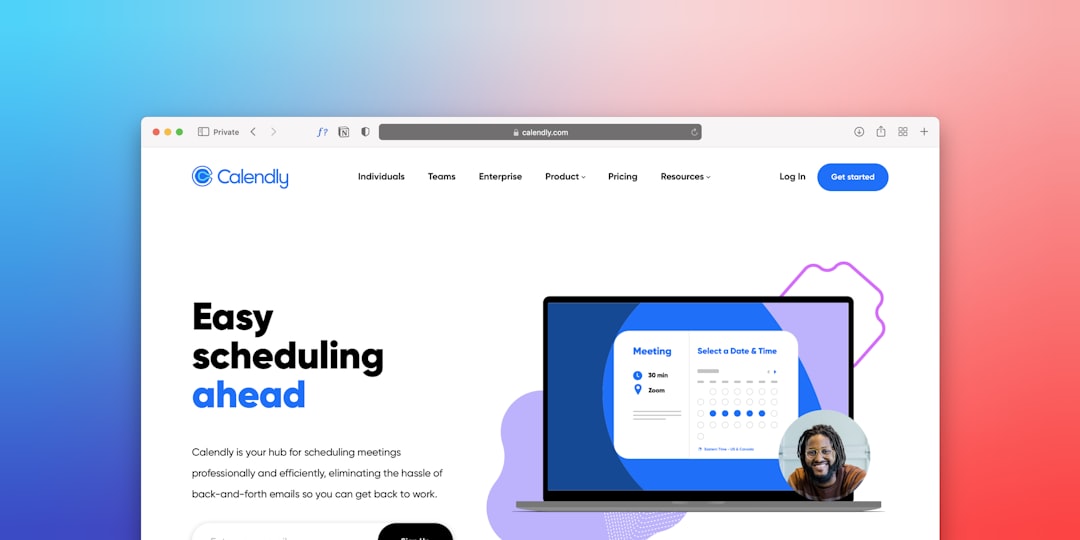
Best for: Simplicity and quick setup
Calendly is one of the most popular scheduling tools. And for good reason. It is clean. It is simple. It just works.
You connect your Google, Outlook, or iCloud calendar. Then you set your availability. Calendly automatically hides any times you are busy.
People book from your link. Done.
Standout features:
- Automatic time zone detection
- Buffer times between meetings
- Custom meeting lengths
- Team scheduling options
- Integrations with Zoom and Stripe
Calendly is perfect for freelancers, consultants, and small teams who want a no-fuss solution.
2. Acuity Scheduling
Best for: Service-based businesses
Acuity Scheduling is powerful. It feels like having a digital assistant.
Clients can book appointments, fill out intake forms, and even pay in advance. All in one place.
This makes it ideal for coaches, therapists, salons, and fitness trainers.
Standout features:
- Customizable intake forms
- Package and subscription options
- Automated email and text reminders
- Gift certificates
- Strong branding customization
Acuity reduces admin work. And that means more time serving clients.
3. Setmore
Best for: Small businesses on a budget
Setmore offers a generous free plan. That makes it attractive for startups and small teams.
You get online booking pages, automated reminders, and calendar syncing.
It also integrates with popular tools like Square and Zoom.
Standout features:
- Free plan with core features
- Multiple staff calendars
- Custom booking page
- Social media booking integrations
If you want value without sacrificing functionality, Setmore is worth a look.
4. SimplyBook.me
Best for: Custom features and flexibility
SimplyBook.me is feature-rich. Very feature-rich.
You can choose from many custom add-ons. That means you only pay for what you need.
It works well for medical offices, beauty salons, and educational services.
Standout features:
- Custom features marketplace
- Client apps
- Detailed reporting
- POS system integration
This tool is great if you want control and customization.
5. Doodle
Best for: Group scheduling
Doodle is different. It shines in group settings.
Instead of sending endless “When are you free?” emails, you create a poll.
Participants choose times that work. The best option rises to the top.
It is perfect for:
- Board meetings
- Team catch-ups
- Event planning
- Family gatherings
Doodle removes confusion fast. Especially when many people are involved.
6. YouCanBook.me
Best for: Customizing booking pages
YouCanBook.me connects directly to your calendar. Then it creates a personalized booking page.
You can adjust colors, layout, language, and notifications.
It is simple but flexible.
Standout features:
- Full calendar sync
- Custom workflows
- Automated follow-up emails
- Affordable pricing tiers
If branding matters to you, this tool gives more visual control.
7. HubSpot Meeting Scheduler
Best for: Sales teams
HubSpot’s meeting scheduler works beautifully with its CRM.
Leads can book time directly from your email or website. The meeting is logged automatically in the CRM.
No manual entry. No lost data.
Standout features:
- CRM integration
- Round-robin team scheduling
- Email embedding
- Automatic contact creation
For sales professionals, this is a game changer.
Quick Comparison Chart
| App | Best For | Free Plan | Payments | Team Features |
|---|---|---|---|---|
| Calendly | Freelancers and consultants | Yes | Yes | Yes |
| Acuity Scheduling | Service businesses | No | Yes | Yes |
| Setmore | Small businesses | Yes | Yes | Yes |
| SimplyBook.me | Customized booking systems | Yes | Yes | Yes |
| Doodle | Group scheduling | Yes | No | Limited |
| YouCanBook.me | Custom branding | Yes | Limited | Yes |
| HubSpot Scheduler | Sales teams | Yes | No | Yes |
How These Apps Eliminate Booking Conflicts

So how exactly do these apps stop the chaos?
Here’s what happens behind the scenes.
- Real-time calendar syncing. If you book a dentist appointment, that time disappears instantly from your availability.
- Time zone detection. No more “Wait, is that EST or PST?”
- Buffer settings. Add 15 minutes between meetings to breathe.
- Limit daily meetings. Avoid burnout.
- Automated confirmations. Everyone gets the right time and date.
The result? No overlaps. No confusion. No stress.
Tips for Choosing the Right App
Not all scheduling tools are equal. Choose based on your needs.
Ask yourself:
- Do I need payment processing?
- Will a team use this?
- Do I need client intake forms?
- Is branding important?
- What is my budget?
If you are solo and simple, Calendly may be enough.
If you run a service business, Acuity or SimplyBook.me might be better.
If you work in sales, HubSpot makes more sense.
The Time You Save Adds Up
Let’s do quick math.
If you spend just 10 minutes scheduling each meeting. And you book 10 meetings per week. That is 100 minutes.
Over a month? Around 400 minutes. That is more than 6 hours.
Over a year? More than 70 hours.
That is almost two full workweeks.
Imagine getting that time back.
Final Thoughts
Appointment scheduling does not have to be painful.
The right app can eliminate double bookings. It can cut down emails. It can even help you get paid faster.
Most of these tools offer free plans or trials. So you can test them without risk.
Simple systems create calm businesses.
Choose one. Set it up. Share your booking link.
Then sit back and enjoy a conflict-free calendar.