

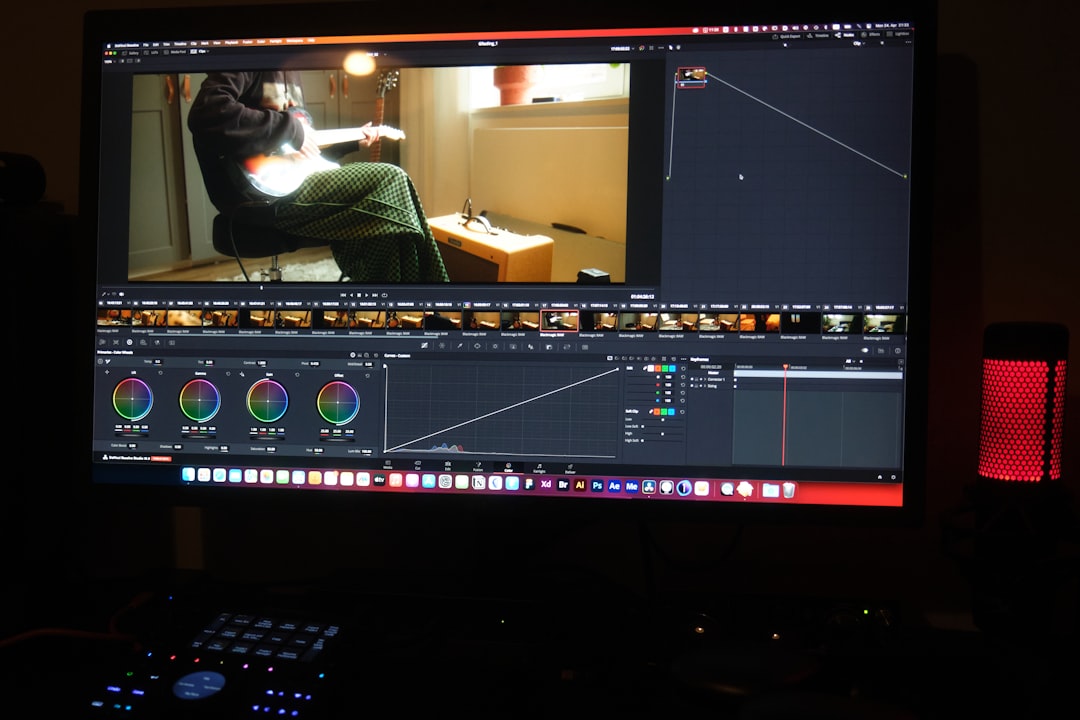
In the rapidly growing world of YouTube content creation, every aspiring YouTuber reaches a point where the difference between “okay” and “outstanding” boils down to one critical factor — video editing. In this digital era, where content is consumed at lightning speed and competition never sleeps, having the right editing tool isn’t just a luxury. It’s a necessity.
TL;DR
DaVinci Resolve is not just another editing app — it’s a full-featured creative powerhouse that combines editing, color grading, visual effects, motion graphics, and audio post-pro in one application. Unlike other tools that may buckle under heavy workflows, Resolve is built for performance and precision. Best of all, it’s free to get started, giving creators access to pro-level capabilities without the price tag. For any YouTuber looking to scale their content, working with DaVinci Resolve is a no-brainer.
Why DaVinci Resolve Should Be Your Creative Partner
DaVinci Resolve is all about empowering creators with cinematic tools that used to be reserved for high-budget productions. Over time, it has evolved from being a powerful color grading tool into a complete video editing suite used by Hollywood studios and indie creators alike. So, why should YouTubers marry this app before their next upload?
1. A Complete Post-Production Studio in a Single App
One of the biggest perks of DaVinci Resolve is having everything in one place. Instead of jumping between multiple applications to edit, color-grade, add effects, and do sound design, Resolve gives you access to all of these under one roof through its innovative workspace:
- Cut Page: Tailored for fast editors working on quick YouTube deadlines.
- Edit Page: Your traditional timeline-based editor with advanced trimming.
- Fusion: A node-based VFX engine for complex visual effects and motion graphics.
- Color: World-famous color grading tools.
- Fairlight: A professional DAW-quality audio editing page.
- Deliver: Optimized rendering settings, with presets for YouTube, Vimeo, etc.
This unified ecosystem streamlines your workflow, saves time, and reduces headaches.
2. It’s Actually Free — With No Gimmicks
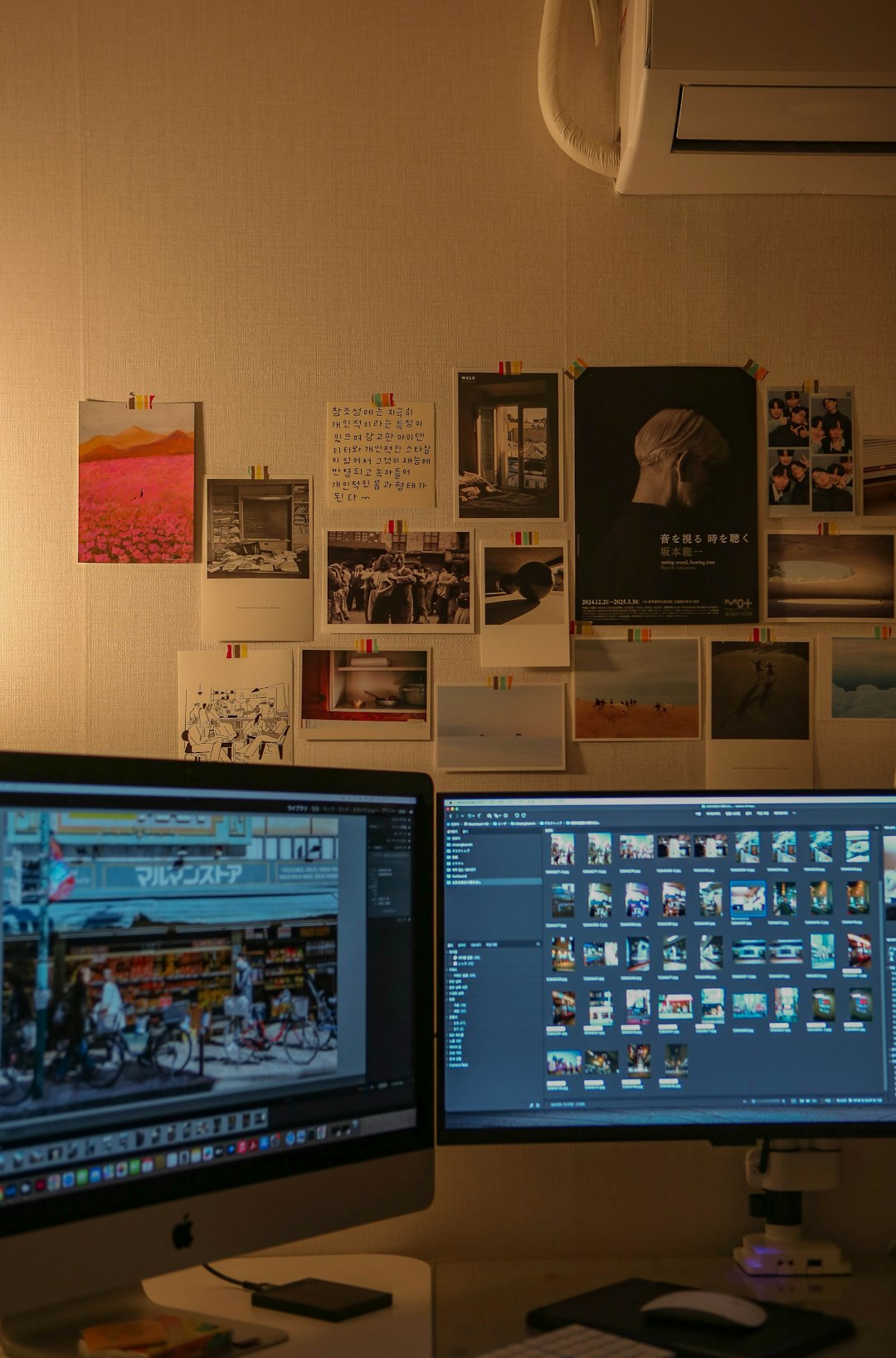
Perhaps the most surprising thing about DaVinci Resolve is that it comes with a robust, truly free version. Unlike other platforms that restrict features or push watermarks in their free versions, Resolve offers an overwhelming majority of its features in the base free version. It’s not a trial. There’s no expiration. And there are no forced upgrades unless you pursue very high-end features found in DaVinci Resolve Studio — a one-time reasonably priced upgrade.
For YouTubers on a tight budget or creators just getting started, this is a game-changer.
3. Professional-Grade Color Grading At Your Fingertips
If there’s one thing that DaVinci Resolve is globally renowned for, it’s its color grading tools. With its node-based grading interface, precise color wheels, scopes, LUTs, and more, Resolve allows creators to give their videos a cinematic look that truly stands out from the usual cookie-cutter visuals.
In a sea of creators competing for clicks and attention, visual quality can set you apart. With a minimal learning curve, creators can transform ordinary footage into stunning visual content that resonates with audiences.
4. Next-Level Audio Editing
The built-in Fairlight audio mixer in Resolve is nothing short of exceptional. While most YouTubers leave audio as a second thought, top creators understand that sound quality can make or break engagement. Fairlight offers a full audio post-production suite with multitrack editing, ADR, sound design, EQ, compression, and even 3D audio capabilities.
Don’t just fade in that royalty-free music and call it a day. Add impact, mood, and polish — all from right within Resolve.
5. Powerful Effects and Built-in Templates
Do you use transitions, text animations, split screens, or motion graphics? Whether it’s fun lower thirds, social media pop-ups, or seamless transitions, Resolve’s Fusion page and open marketplace allow you to craft or download plug-and-play visual elements. It even includes dozens of ready-to-use effects for creators looking to save time.
For creators looking to brand their content consistently or impress viewers with slick visuals, having in-app tools for effects is a big bonus.
6. Optimized for Speed and Performance
Whether running on Windows, macOS, or even Linux, Resolve is designed to be fast and efficient. Its use of GPU acceleration means you experience fewer slow-downs, crashes, or choppy previews that plague other entry-level editors.
Even better, Resolve lets you tailor your workflow with proxy rendering, performance modes, and timeline options that fit your hardware setup. That means more time creating and less time waiting.
7. Perfect for Collaboration or Solo Projects
DaVinci Resolve scales well with the creator. Whether it’s just you or a small team, its collaborative features allow for editing and color correction to happen simultaneously when needed. Professionals use it for remote collaborations — something YouTube creators working with editors, sound mixers, or visual artists can take full advantage of, even if working across continents.
Real Creators, Real Results
Thousands of YouTubers have already made the switch. From travel vloggers to tech reviewers, educational creators to musicians, DaVinci Resolve consistently offers the creative and functional power they need without tethering them to restrictive licenses or limited features.
Top creators often mention how switching to Resolve helped them:
- Speed up their editing pipelines.
- Deliver higher-quality output.
- Collaborate better with freelancers or teams.
- Increase engagement through better visuals and sound.
Final Thoughts
DaVinci Resolve isn’t just an editor — it’s the creative partner every YouTuber didn’t realize they needed. It has all the tools to not only keep up with the rapid pace of content creation but to elevate it. In an industry where your success could hinge on a viewer staying for just 5 more seconds, Resolve helps make every second count.
Before hitting upload on your next video, consider marrying DaVinci Resolve — and watch your content shine like never before.
FAQ: YouTubers and DaVinci Resolve
-
Q: Is DaVinci Resolve really free?
A: Yes! The free version offers nearly all the features you’d ever need for YouTube videos, from editing and color grading to effects and audio work. -
Q: Is it easy to learn for beginners?
A: Absolutely. While it has advanced features under the hood, the basic Cut and Edit pages are intuitive and beginner-friendly. Plenty of tutorials are available online as well. -
Q: How does Resolve compare to Adobe Premiere Pro?
A: Many users report smoother performance in Resolve and appreciate its one-time license fee versus Adobe’s subscription model. Resolve also excels in color grading and audio editing. -
Q: What are the system requirements?
A: DaVinci Resolve is a powerful app, so having a good GPU and sufficient RAM (16GB recommended) helps. However, it offers performance modes to work on lower-spec machines too. -
Q: Can I use third-party plugins and templates?
A: Yes! DaVinci Resolve supports OFX plugins, LUTs, and you can download tons of user-created assets from the creative community.