


Picture this: you’re about to order something amazing on Amazon. You type in your email and password. You’re waiting for the 2FA code to show up. But…crickets. No text, no ding, no buying that new gadget today. Ugh!
TL;DR
If you’re not receiving Amazon 2FA codes via text, you’re not alone. It’s a known issue with some mobile carriers. Try switching to a different method like an authenticator app or checking for carrier blocks. We’ll guide you through quick fixes and workarounds below!
What Is 2FA and Why Do We Need It?
2FA stands for Two-Factor Authentication. It’s a fancy-yet-simple way to keep your account safe. Instead of just a password, it also needs a code only you can get—usually sent to your phone.
It’s pretty cool. Until it doesn’t work.
The Problem: No 2FA Code, No Login
Lately, folks using certain carriers (like Verizon, AT&T, and even some smaller ones) have noticed Amazon’s security codes just… don’t arrive. No code = no access. Super frustrating.
This happens because:
- Some carriers block Amazon’s SMS numbers
- Network delays or spam filters misbehave
- Your number might be flagged for verification
- You’ve recently changed your phone or plan

Common Symptoms
How do you know you have this issue? Here’s what people report:
- You wait and wait, but the Amazon code never comes.
- Your phone works for texts from friends, but not from Amazon.
- Other services (like banks) send codes just fine, but not Amazon.
Yep, it’s a specific and weird problem.
Quick Fixes To Try First
Let’s try the easy stuff first. Often, that’s all you need.
- Restart your phone. Sounds basic, but sometimes it unclogs network pipes.
- Check your signal. If you have zero bars, no code will reach you.
- Clear old texts. Your inbox might be full, especially on older phones.
- Turn airplane mode on, then off. This gives your phone a “mini reset.”
If those don’t work…let’s dig deeper.
Step-by-Step: Here’s What You Should Do
1. Try the Amazon App Instead of the Website
For some reason, using the Amazon mobile app works for some users. When logging in on the app, the 2FA request may send differently or even bypass known delay issues on some carriers.
2. Change Your 2FA to an Authenticator App
This is the golden solution. Amazon allows you to use an app like Google Authenticator or Authy instead of texts.
Here’s how to switch:
- Log into Amazon (from a working device).
- Go to Your Account > Login & Security.
- Under “Two-Step Verification,” hit Edit.
- Choose Authenticator App.
- Scan the QR code with your app (Google Authenticator, Microsoft Authenticator, etc.).
- Boom—you’re done.
Once set up, you’ll get codes instantly right from your app—no waiting on text messages.
3. Contact Your Carrier
If you need to stick with SMS for some reason:
- Call your phone carrier’s support.
- Ask if messages from Amazon are being blocked or marked as spam.
- If needed, ask them to add Amazon’s short code numbers to a safe list.
This might not sound fun, but it’s worked for many!
4. Try Typing in Your Number with the Full Country Code
A few users found success by going into Amazon’s settings and making sure their mobile number includes the full country code (like +1 for the US).
For example, change 555-123-4567 to +1 555-123-4567.
Bonus Tip: Use a Backup Method
In your Amazon security settings, you can add a backup method for receiving 2FA codes. Maybe another number, or your email. It’s worth setting up just in case your main one fails again.
Still Locked Out? Here’s What To Do
If nothing else works and you can’t get into your account at all:
- Go to the Amazon login page
- Click “Need Help?” or “Trouble receiving your authentication code?”
- Follow the flow—they’ll let you verify with ID or email
- You might need to call Amazon customer support
Have your order info or last known payment method ready. It helps them verify you fast.
The Sneaky Issue With Some Email-to-Text Gateways
Are you using a VOIP or third-party phone number? Some email-to-text services (like Google Voice or TextNow) don’t play nicely with Amazon. They might not forward 2FA texts at all. If that’s your setup, consider switching to a “real” mobile number or using an authenticator app.
Why This Keeps Happening
Amazon uses short code systems to send 2FA texts as fast and securely as possible. But every carrier handles messages differently. Some filter clouds think the codes are spam. Others “time out” messages before they arrive. And even Amazon’s own systems get hiccups.
Basically—it’s not always your fault. But you’ll still feel the frustration.
Final Thoughts: Simplify Your Login Life
We know it’s a pain when security steps block you from… using the thing you’re trying to protect. But with the right methods, you can fix your Amazon login problem once and for all.
So remember:
- Switch to an authenticator app for best results
- Check your phone settings and signal
- Contact your carrier if texts never arrive
- Use backup methods so you’re never locked out
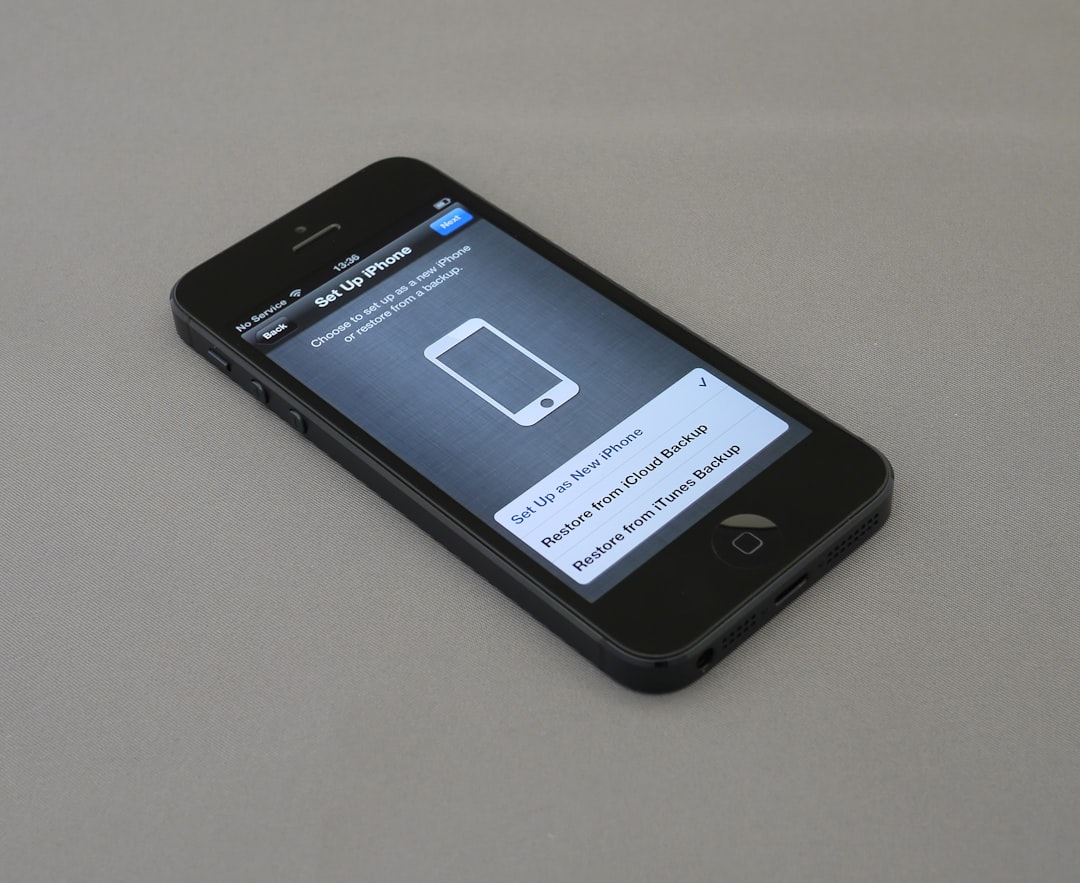
 amazon login screen, smartphone, verification code[/ai-img>
Now go ahead, log in, and grab that order. No more waiting for a ghost text that may never come.