

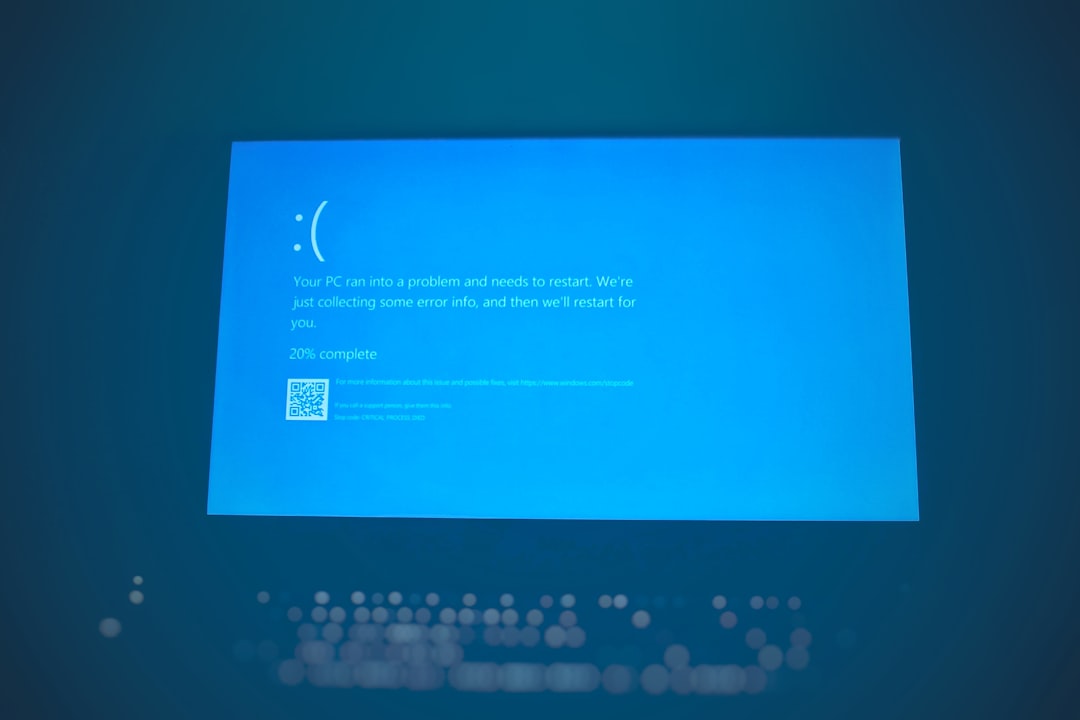
Few things are more frustrating than pressing play on a video stream only to be met with a fatal HLS.js ManifestLoadError. Whether you’re a developer building a video platform or a website owner embedding live streams, this error can bring playback to a halt and frustrate users instantly. The good news? In most cases, it’s fixable with a structured troubleshooting approach.
TL;DR: HLS.js ManifestLoadError usually occurs when the player fails to load the .m3u8 manifest file due to network issues, CORS problems, incorrect URLs, server misconfiguration, or CDN errors. Start by verifying the manifest URL, checking server responses, and reviewing CORS headers. Then test your CDN, SSL setup, and HLS.js configuration. With the seven fixes below, you can systematically diagnose and resolve most streaming failures.
What Is HLS.js ManifestLoadError?
HLS.js is a JavaScript library that enables HTTP Live Streaming (HLS) playback in browsers that don’t natively support it (like Chrome and Firefox). When you see a ManifestLoadError, the player failed to load the .m3u8 manifest file, which contains essential information about stream segments and quality levels.
If the manifest file can’t be retrieved or parsed, playback simply won’t start.
Common Causes of HLS.js ManifestLoadError
Before fixing the issue, it helps to understand what’s typically behind it:
- Incorrect or broken manifest URL
- CORS (Cross-Origin Resource Sharing) restrictions
- 403 or 404 server errors
- SSL certificate problems
- Expired or misconfigured CDN tokens
- Network firewalls blocking segment requests
- Improper HLS.js configuration
Now let’s break down 7 working streaming fixes that solve most cases.
1. Verify the Manifest URL Is Correct
This might sound obvious, but the most common cause of ManifestLoadError is simply an incorrect .m3u8 URL.
Check the following:
- Does the URL load directly in the browser?
- Does it return a 200 OK status?
- Is the path case-sensitive on your server?
- Are query parameters (tokens, expiration timestamps) correct?
Pro Tip: Open Developer Tools → Network tab → Reload the page. Look for the manifest request. If it’s returning 404, the file path is wrong. If it’s 403, access is blocked.
2. Fix CORS Configuration Issues
CORS errors are one of the biggest causes of streaming failure.
If your HLS files are hosted on a different domain than your website, your server must allow cross-origin requests.
Ensure your server is sending headers like:
Access-Control-Allow-Origin: *Access-Control-Allow-Methods: GET, HEAD, OPTIONSAccess-Control-Allow-Headers: Range
On Apache, this might look like:
Header set Access-Control-Allow-Origin "*"
On NGINX:
add_header Access-Control-Allow-Origin *;
Without these, browsers block manifest and segment requests—even if the files exist.
3. Check Server Response Codes
If your manifest file returns anything other than 200 OK, playback will fail.
Common problematic responses:
- 403 Forbidden – Access restrictions, token expiration
- 404 Not Found – Missing file
- 301/302 Redirect Loops – Improper HTTPS configuration
- 500 Internal Server Error – Server misconfiguration
Use tools like:
- Chrome Developer Tools
- curl command line
- Postman
This allows you to inspect server headers and identify permission issues quickly.
4. Resolve HTTPS and SSL Problems
Modern browsers block mixed content. If your website uses HTTPS, but your manifest URL starts with HTTP, playback will fail.
Make sure:
- Your manifest and segments are served over HTTPS
- Your SSL certificate is valid and not expired
- Your intermediate certificates are installed correctly

You can test SSL health using online SSL checkers. Even small misconfigurations can prevent HLS.js from loading the manifest.
5. Inspect CDN Configuration and Token Expiration
If you’re using a CDN such as Cloudflare, Akamai, or Fastly, the issue might be edge caching or token authentication.
Common CDN-related causes:
- Expired signed URLs
- IP-based access restrictions
- Geo-blocking rules
- Cached 404 responses
Try:
- Purging CDN cache
- Testing the origin server URL directly
- Generating a fresh signed manifest link
CDN Comparison Chart for HLS Streaming
| CDN Provider | Token Authentication | Cache Control Tools | Common Manifest Issue |
|---|---|---|---|
| Cloudflare | Signed URLs optional | Easy purge tools | Cached error responses |
| Akamai | Advanced token auth | Granular cache control | Token expiration mismatch |
| Fastly | Edge authorization | Real-time purge | Edge misconfiguration |
| Bunny.net | Signed tokens supported | Simple cache dashboard | Improper pull zone setup |
6. Review Your HLS.js Player Configuration
Sometimes the problem isn’t your server—it’s your player configuration.
Example of proper basic setup:
if (Hls.isSupported()) {
  var hls = new Hls();
  hls.loadSource('https://example.com/stream.m3u8');
  hls.attachMedia(video);
}
Check for:
- Incorrect source URL variable
- Improper error event handling
- Autoplay restrictions
- Low timeout settings
Enable logging for deeper debugging:
var hls = new Hls({ debug: true });
This provides detailed console output and often reveals the exact failure point.
7. Validate the Manifest File Integrity
If the manifest file is corrupt or improperly formatted, HLS.js won’t parse it.
A valid HLS manifest should contain lines like:
#EXTM3U
#EXT-X-VERSION:3
#EXT-X-STREAM-INF:BANDWIDTH=1280000
Use an HLS validator tool to check:
- Segment path correctness
- Proper EXT tags
- Valid bitrate definitions
- No broken segment references
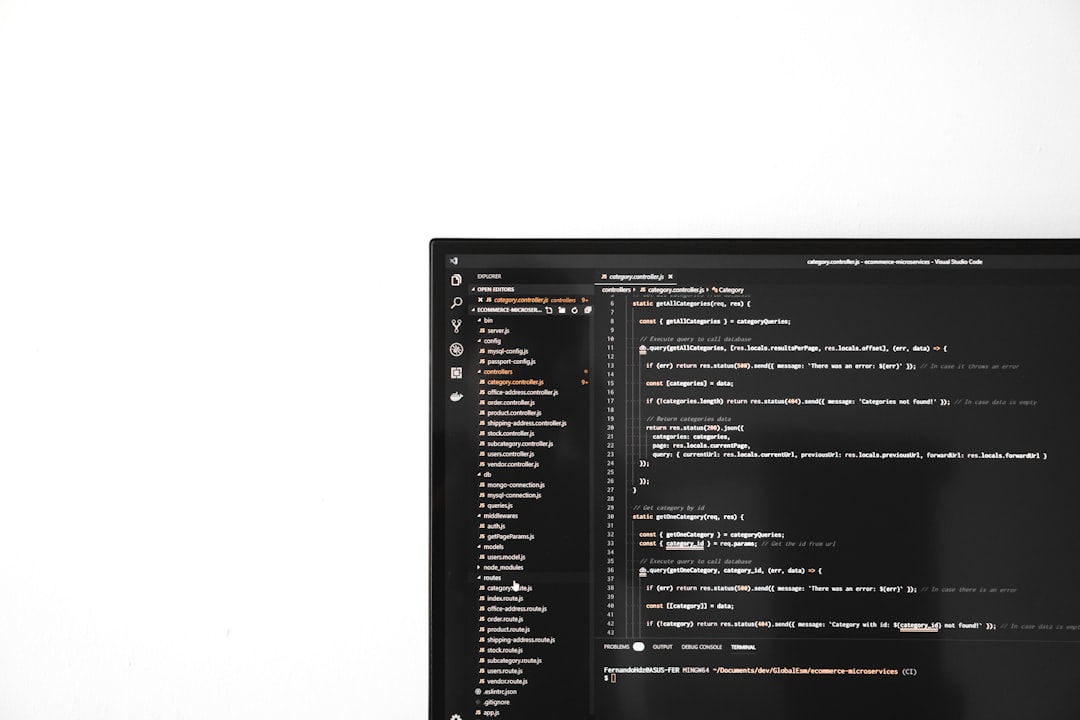
Even one malformed line can trigger a fatal error.
Bonus: Network and Firewall Checks
If everything appears correct but errors persist, check network-level interference.
Possible culprits include:
- Corporate firewall blocking .m3u8 or .ts files
- Ad blockers interfering with CDN domains
- DNS misconfiguration
- VPN routing conflicts
Test the stream:
- On another network
- In incognito mode
- With browser extensions disabled
How to Prevent Future ManifestLoadErrors
Prevention is better than reaction. Implement these best practices:
- Automated monitoring for manifest availability
- CDN health alerts
- Token expiration logging
- Regular SSL certificate audits
- Fallback stream URLs
Advanced setups even configure automatic retries inside HLS.js error handlers to self-recover from temporary network failures.
Final Thoughts
The HLS.js ManifestLoadError might seem intimidating at first, but it’s almost always traceable to a configuration, networking, or server issue. By systematically verifying the manifest URL, reviewing CORS policies, checking SSL, inspecting CDN behavior, and validating your player configuration, you can eliminate the root cause efficiently.
Video streaming is a layered ecosystem—player, browser, server, CDN, and network all play a role. Understanding how these components interact empowers you to troubleshoot faster and build a more reliable streaming experience.
When in doubt, remember: start with the manifest URL, check the network tab, and work your way outward.