


In today’s fast-paced world where online shopping and doorstep deliveries have become an essential part of everyday life, few things are as frustrating as getting an “Address Not Served” error during checkout. This issue, although more common than one might think, can block access to essential goods, slow down moving processes, or even interrupt small business operations.
TLDR (Too long, didn’t read)
People around the world are increasingly encountering the “Address Not Served” error in e-commerce and logistics platforms. This usually stems from database errors, GPS inaccuracies, or outdated postal service data. Fixing the issue may require contacting customer service, correcting formatting, or verifying the address with mapping services. In most cases, perseverance and clear communication resolve the problem effectively.
Why “Address Not Served” Errors Happen
Before solving the issue, it’s important to understand why it appears in the first place. Despite having a perfectly valid location, your address may not be recognized due to:
- Outdated Address Databases: Delivery platforms rely on databases that might not be updated with new or renamed roads, building complexes, or recently developed areas.
- Formatting Issues: Something as small as a missing apartment number or an abbreviation error can prevent a system from matching your address with a serviceable area.
- Carrier Constraints: Certain postal or courier services may choose not to serve specific areas due to logistic challenges or policy restrictions.
- GPS Mapping Errors: Internal mapping tools or APIs (like Google Maps) might misplace or incompletely map your address, causing it to appear invalid.
Real-World Fixes That Worked
People have managed to solve these frustrating errors through a mixture of creativity, persistence, and just knowing how data systems work. Here are some strategies that have proven successful:
1. Contacting Customer Service
Sometimes, all it takes is a conversation. Many users found that reaching out to customer service or the delivery company resolved the issue quickly. Representatives often have access to override tools or alternate routing information that may not appear on the main website.
Example: One customer living in a newly developed apartment complex in Austin, Texas couldn’t get deliveries from a major grocery chain. A call to customer service revealed the problem stemmed from their address not being updated in the system. Within 48 hours, tech support manually added their unit to the platform’s backend.
2. Using Alternate Spellings or Formats
Another surprisingly effective fix is to play around with formatting. For example:
- Spell out abbreviations (use “Street” instead of “St”) or vice versa
- Remove unit or apartment numbers temporarily to get the main address recognized
- Switch from “North Main Street” to “N Main St” or vice versa
This tweak helps your address better match what’s stored in databases.
3. Verifying Location with Mapping Services
Mapping services like Google Maps and OpenStreetMap serve as reference points for many delivery services. If your home doesn’t appear correctly on such platforms, then it likely won’t appear on delivery services either.
Steps to update:
- Search your address on Google Maps.
- Right-click the pin and choose “Report a data problem.”
- Submit the correct details and await verification (usually 1–2 weeks).

Several users reported that once they corrected their GPS location, within days their addresses became serviceable for deliveries.
4. Registering the Address with Postal Authorities
Some users in rural or newly built areas found their addresses were not officially registered with national postal services like USPS or Royal Mail. Contacting these agencies and requesting verification or addition of the address rectified the issue for both postal and third-party delivery companies.
Example: A homeowner in a British countryside area had lived at their location for five years but still couldn’t get Amazon packages. After registering the property with Royal Mail and getting a unique postal code established, all errors ceased.
5. Using a Neighbor or Nearby Business as Proxy
When all else fails, a creative, short-term workaround is to use a neighboring address that is recognized—but only with permission. Several users temporarily directed deliveries to nearby stores or friends before resolving the underlying issue with their own address.
This method is especially popular in remote or gated communities where centralized delivery locations are more common.
Preventing Future “Address Not Served” Problems
Many who’ve faced this issue are eager never to encounter it again. Here’s how you can prevent it from happening:
1. Double-Check Format When Registering Online
Ensure consistency in how you enter your address across all platforms. Use the exact same format on government websites, utility bills, and personal ID to avoid discrepancies.
2. Keep Mapping Services Updated
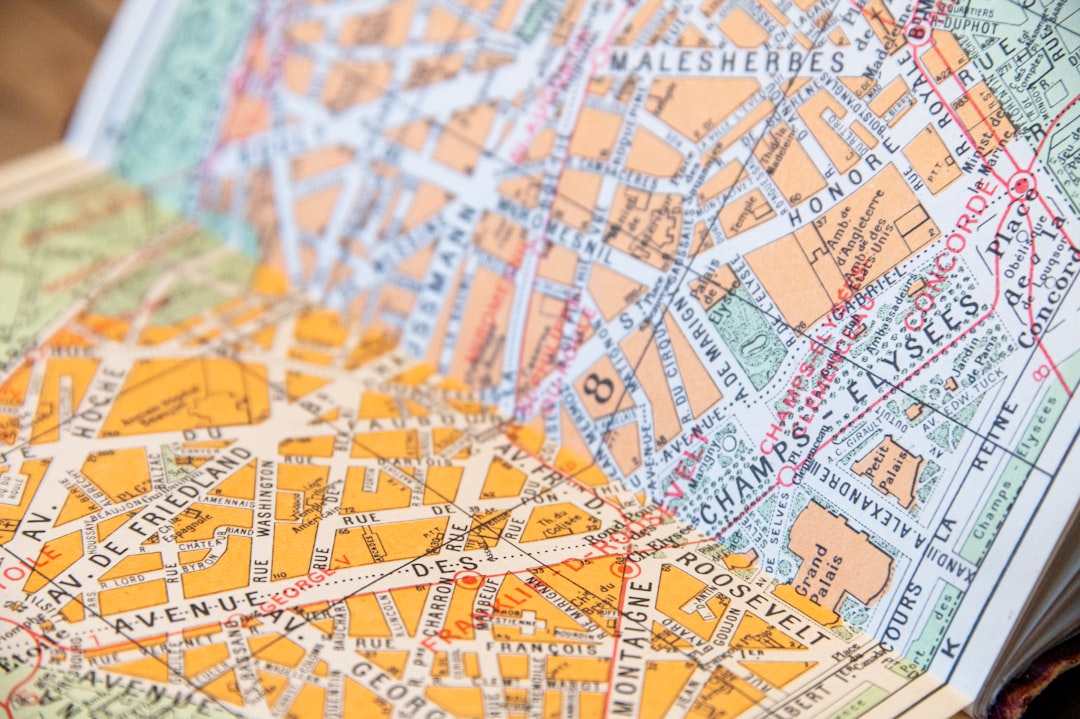
Get into the habit of verifying your home or work location on mapping platforms annually. Especially after moving or if there’s been local development.
3. Encourage Developers to Pre-Register New Addresses
If you’re moving into a new construction home, talk with your builder or developer to ensure addresses are registered with both postal services and GPS databases before move-in day.
4. Use Address Validation Tools During Checkout
Some websites offer a “Validate My Address” link during checkout. Be sure to use it and review auto-corrections carefully. Accepting a wrong correction could cause your package to end up somewhere else or get blocked entirely.
The Role of AI and Machine Learning
Interestingly, developers are using artificial intelligence to reduce such errors. Machine learning models analyze address input patterns and compare them against known, mappable locations. Over time, they learn to recognize variations and automatically correct or flag problematic entries.
This innovation is part of a broader move to make digital logistics smarter and more inclusive, even for people in unconventional or developing locations.
Conclusion
“Address Not Served” errors, although deeply frustrating, are fixable in most cases through proactive steps and smart troubleshooting. Whether by tweaking your input, contacting support, or leveraging mapping tools, people have found effective ways to overcome this modern-day inconvenience. If you’re facing such a problem, don’t give up—there’s a good chance that a solution is just a few clicks or calls away.