

Valorant has evolved significantly since its 2020 launch, with new agents, maps, game modes, and regular content updates steadily increasing its size. If you’re planning to install or reinstall the game in 2026, one of the first questions you’ll likely ask is: how much storage space do you actually need?
TLDR: In 2026, Valorant requires approximately 45–55 GB of storage space for a full installation, depending on updates and optional content. While the base download is smaller, patches, seasonal updates, and system overhead increase the total footprint. For smooth performance and future updates, you should ideally have at least 70 GB of free space available. An SSD is strongly recommended for optimal performance.
How Big Is Valorant in 2026?
As of 2026, a fresh installation of Valorant typically takes up between 45 GB and 55 GB of disk space. This number reflects:
- The core game files
- Maps and agent assets
- Audio and graphic resources
- Riot Vanguard (the anti-cheat system)
- Several years of cumulative patches and optimizations
While that may seem moderate compared to massive AAA titles pushing 100 GB or more, it’s significantly larger than Valorant’s original 2020 footprint, which hovered around 8–20 GB.
Why Has Valorant’s File Size Increased?
The growth in storage requirements isn’t surprising. Over the years, Riot Games has continuously expanded the game with:
- New Agents with unique abilities and animations
- New Maps featuring detailed environments and high-resolution assets
- Additional Game Modes such as rotating seasonal modes
- Upgraded Graphics and Effects
- Expanded Skin Lines with advanced animations and sound design
Each addition increases the overall game size. Although Riot periodically compresses files and removes obsolete data, content accumulation is unavoidable in a live-service game.
Image not found in postmetaBreakdown of Storage Usage
Here’s a closer look at what contributes to the total storage footprint:
1. Core Game Files (30–35 GB)
This covers the main gameplay assets, maps, character models, textures, sound files, and engine files.
2. Updates and Patch Data (5–10 GB)
Frequent updates are a hallmark of Valorant. Even if patches replace existing files, temporary storage is used during installation.
3. Riot Vanguard (1–2 GB)
Riot’s kernel-level anti-cheat system installs separately and runs continuously while your system is active.
4. Shader Cache and Logs (Variable)
Over time, cached shaders and log files accumulate. While not massive, they add to the overall disk usage.
Minimum vs. Recommended Free Space
Although the installation may only require about 50 GB, that doesn’t mean you should allocate exactly that amount.
Minimum Required Free Space: 60 GB
Recommended Free Space: 70–80 GB
This buffer ensures:
- Smooth patch installations
- Reduced risk of corrupted updates
- Better system performance
- Space for temporary download files
Running your drive nearly full can degrade performance, particularly on HDDs.
Does Storage Type Matter?
Absolutely. While Valorant can technically run on a traditional HDD, a Solid State Drive (SSD) offers noticeable advantages:
- Faster loading times
- Quicker patch installation
- Reduced stuttering when loading large maps
- Smoother overall performance
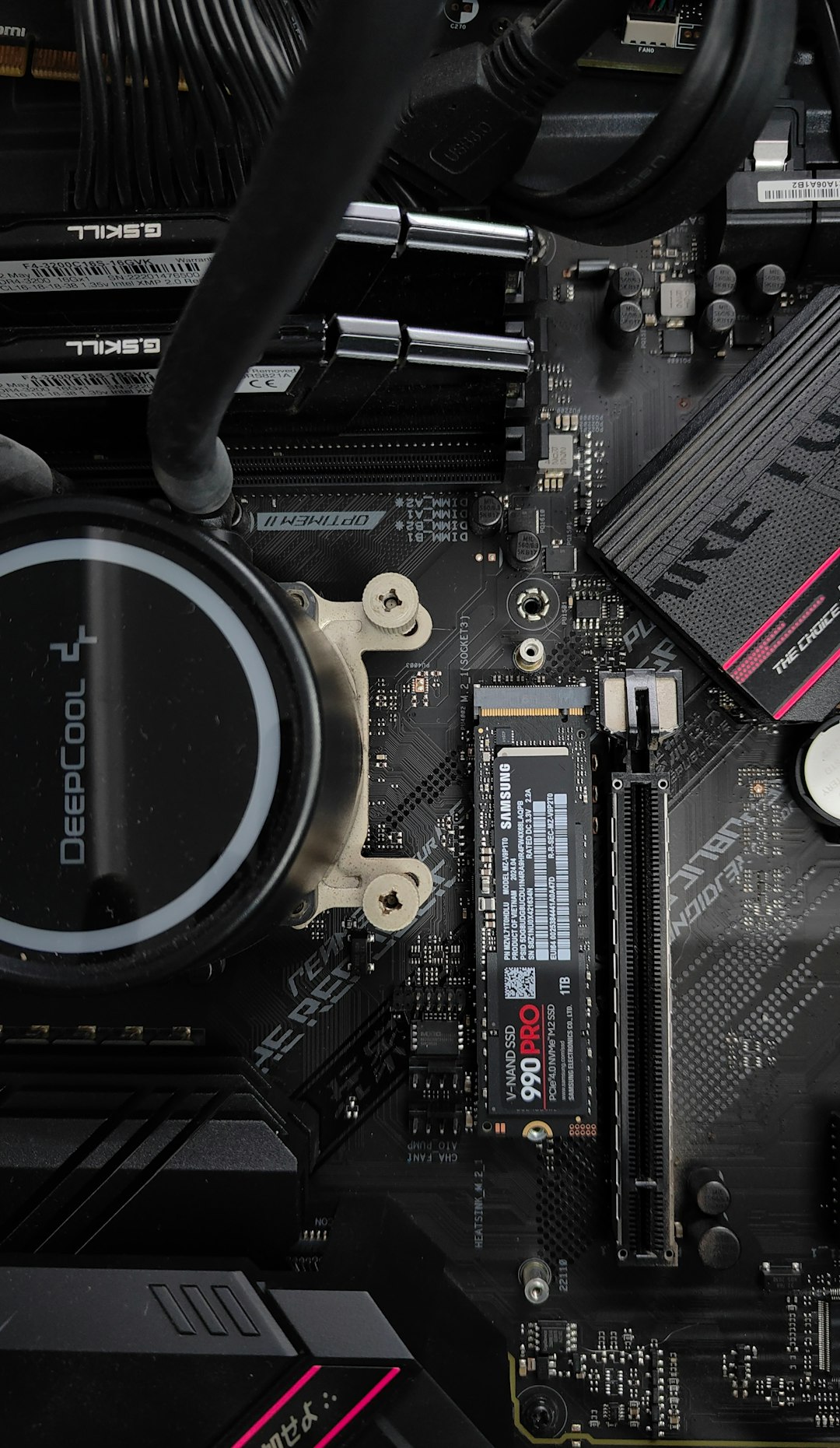
In 2026, SSDs are widely affordable and highly recommended for competitive gaming. NVMe drives, in particular, provide near-instant load times.
How Valorant Compares to Other Competitive Games
To give you perspective, here’s how Valorant’s storage requirements compare to other popular competitive shooters in 2026:
| Game | Approximate Size (2026) | Recommended Free Space |
|---|---|---|
| Valorant | 45–55 GB | 70–80 GB |
| Counter-Strike 2 | 40–50 GB | 65 GB |
| Call of Duty Warzone | 120–150 GB | 170 GB+ |
| Apex Legends | 80–100 GB | 120 GB |
As you can see, Valorant remains relatively modest in size compared to battle royale giants. Riot has consistently prioritized optimization, helping keep the game accessible to players with mid-range systems.
Will Valorant Continue to Grow?
It’s highly likely. Live-service titles expand naturally over time. However, Riot has shown dedication to keeping the game streamlined through:
- Engine optimizations
- Removal of unused assets
- Improved compression methods
- Selective content loading
Unless there’s a significant engine overhaul or next-generation visual upgrade, it’s unlikely Valorant will exceed 70–80 GB in the near future.
Tips to Manage Valorant’s Storage Footprint
If storage space is tight, here are practical ways to manage your installation:
1. Periodically Clear Cache
Deleting shader caches and temporary files can reclaim some space.
2. Keep Windows Clean
Use built-in disk cleanup tools to remove unused system files.
3. Avoid Nearly Full Drives
Try to maintain at least 15–20% free space on your gaming drive.
4. Install on a Secondary SSD
If possible, dedicate a separate drive for large games to prevent OS slowdowns.
Does Skin Content Increase Storage?
Interestingly, advanced cosmetic skins—with unique reload animations, finishers, and custom sound effects—do contribute to file size. While individually small, cumulative additions across dozens of bundles add up.
Riot has optimized cosmetic storage efficiently, but players who install every update without ever doing a clean reinstall may notice gradual growth over time.

Fresh Install vs. Long-Term Install
There can be a difference between a fresh 2026 installation and a version updated consistently since 2020.
Fresh Install Benefits:
- Cleaner file structure
- Possibly smaller total size
- Fewer legacy files
Long-Term Install Risks:
- Residual temporary files
- Extra patch logs
- Slight storage bloat
If storage seems unusually high (over 60 GB), a clean reinstall may restore optimal size.
System Requirements vs. Storage Requirements
It’s important not to confuse storage with overall system requirements. Valorant remains relatively lightweight in terms of:
- CPU demands
- GPU requirements
- RAM usage (8–16 GB recommended)
The storage size does not necessarily mean the game is graphically overwhelming. Riot continues to target high frame rates on low- to mid-tier systems.
Final Thoughts
So, how much storage does Valorant require in 2026? Realistically, you should expect to allocate around 50 GB for installation and keep at least 70–80 GB free for smooth updates and future content. Compared to many modern shooters, Valorant remains impressively optimized while continuing to expand its content library.
If you’re serious about competitive performance, pairing that storage with a fast SSD is just as important as having sufficient space. With regular updates, new agents, and evolving maps, Valorant will continue to grow—but thankfully, it’s doing so in a relatively storage-friendly way.
Before installing, double-check your available disk space, consider cleaning unnecessary files, and ensure you have room not just for today’s version—but for the updates coming tomorrow.