

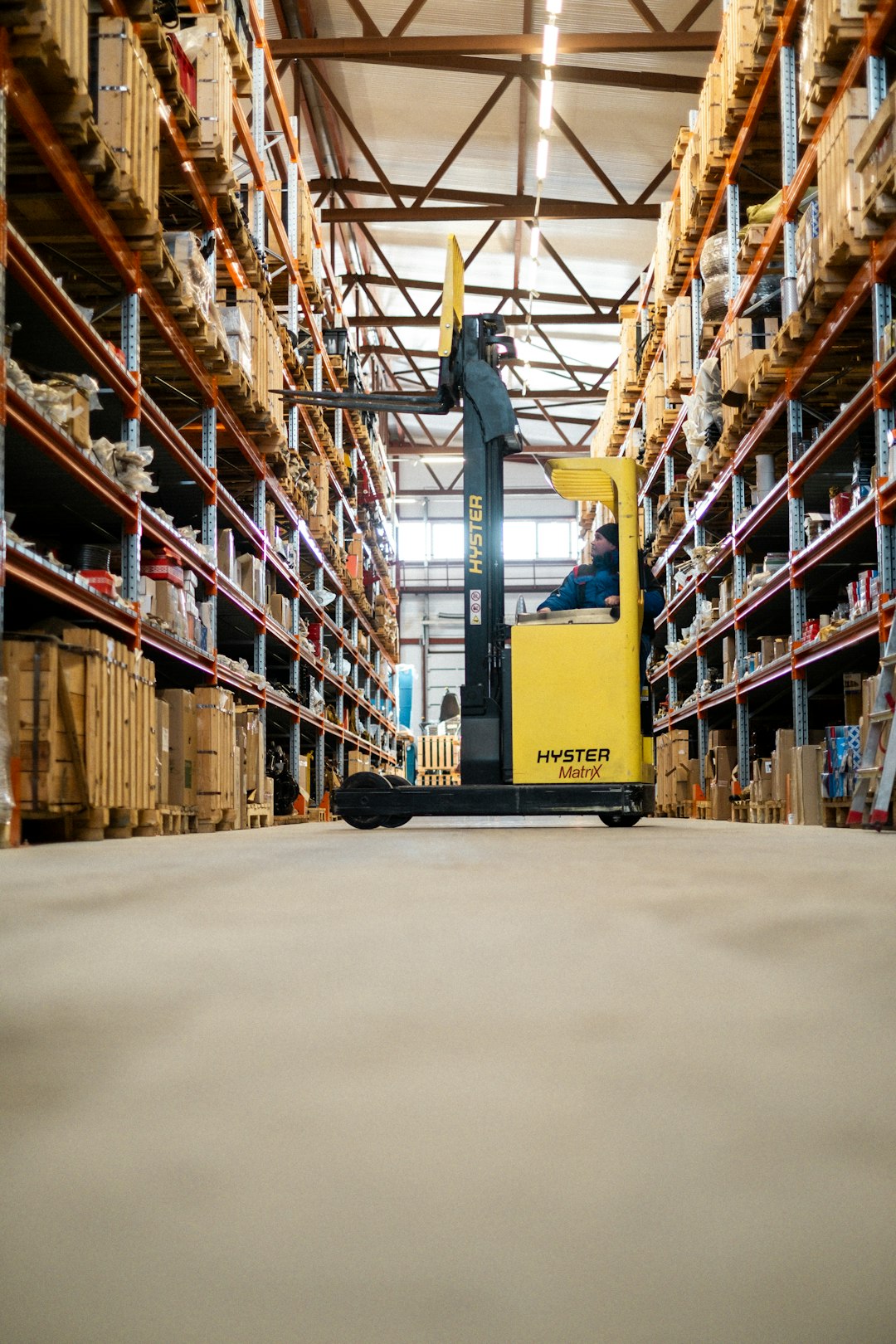
Choose ShipBob if you want fulfillment handled for you, and choose ShipStation if you want stronger control over labels, carriers, and shipping rules while keeping your own warehouse or 3PL. The difference is not cosmetic. It affects inventory storage, pick and pack work, delivery speed, customer service, and cost. Shipping friction matters because Baymard Institute estimates the average online cart abandonment rate at 70.19% [source: Baymard Institute].
TLDR: ShipBob is a third party logistics provider, so it stores inventory, packs orders, and ships them from its fulfillment network. ShipStation is shipping software, so it helps merchants buy labels, automate carrier rules, and manage shipments from one dashboard. For example, a brand shipping 500 orders per month could use ShipBob to avoid hiring warehouse labor, while a brand with its own stockroom may use ShipStation to cut label work by several hours per week. If you need hands off fulfillment, pick ShipBob; if you need better shipping workflow control, pick ShipStation.
ShipBob vs ShipStation: the basic difference
ShipBob is a fulfillment partner. You send inventory to ShipBob. When a customer places an order, ShipBob receives the order data, picks the item, packs it, ships it, and updates tracking. It is built for ecommerce brands that want to outsource the physical work.
ShipStation is a shipping management platform. It does not store your inventory or pack your products. Instead, it connects to your ecommerce store, imports orders, helps you compare carrier rates, prints labels, sends tracking, and automates shipping steps.
This is the key decision. If your bottleneck is warehouse labor, ShipBob is the more relevant option. If your bottleneck is label printing, rate shopping, and order routing, ShipStation is usually the better fit.

When ShipBob makes more sense
ShipBob is best for merchants that are tired of packing boxes in a garage, office, or small warehouse. That sounds small at first. Then holiday sales hit. Suddenly, a team is working late, refunds rise, and tracking emails become a daily mess.
With ShipBob, the value is operational relief. You are paying for storage, pick and pack service, postage, packaging, receiving, and account systems. The model can be useful for brands that sell direct to consumer products, subscription boxes, cosmetics, apparel, supplements, accessories, and consumer goods.
- Best for: brands that want outsourced fulfillment.
- Strong points: inventory storage, pick and pack, distributed fulfillment, branded packaging options, tracking updates.
- Weak points: less direct control over warehouse work, storage fees, receiving timelines, and possible extra charges.
- Typical buyer: a growing ecommerce store that has outgrown manual packing.
ShipBob also offers integrations with major ecommerce platforms and marketplaces. Its fulfillment centers span multiple regions, which can help reduce shipping zones and delivery times for some merchants [source: ShipBob]. That does not mean every order becomes cheap. Product size, storage time, packaging needs, and customer location still matter.
When ShipStation makes more sense
ShipStation is the better option when you already have a place to store products. Maybe you ship from a warehouse. Maybe you use a local 3PL. Maybe your team still packs in house, but the label process is a mess. ShipStation gives you the order desk and shipping rules. You still handle the physical work.
It drives me crazy that some shipping tools make a sender click through four screens just to print a simple label. ShipStation is built to reduce that pain. You can create automation rules, batch print labels, tag order types, split shipments, and set carrier preferences by weight, destination, product, or service level.
- Best for: merchants that want shipping software, not fulfillment labor.
- Strong points: label printing, carrier rate comparison, batch processing, automation rules, marketplace connections.
- Weak points: no physical storage, no pick and pack team, setup can feel dense for new users.
- Typical buyer: an online seller with existing warehouse operations.
ShipStation supports many selling channels and carriers, which is useful for merchants selling through Shopify, Amazon, eBay, Walmart, Etsy, WooCommerce, or similar platforms [source: ShipStation]. The benefit grows as order volume rises. At 20 orders a week, it may feel optional. At 200 orders a day, manual shipping becomes a real liability.

Order processing comparison
ShipBob changes the full fulfillment flow. Orders move from your store to ShipBob, then ShipBob runs warehouse tasks. Your team monitors inventory, exceptions, returns, and performance reports. The practical benefit is that fewer internal hours are spent touching products.
ShipStation improves the shipping station itself. Orders are imported into one panel. Staff can filter, tag, batch, and print labels. The tool is useful when your warehouse team is capable, but your order desk is slow or error prone.
Here is the honest split:
- Inventory storage: ShipBob handles it; ShipStation does not.
- Picking and packing: ShipBob handles it; ShipStation only helps manage the order data.
- Carrier selection: both can support shipping choices, but ShipStation gives more direct day to day label control.
- Warehouse control: ShipStation keeps control with your team; ShipBob moves it to an external provider.
- Setup effort: ShipBob requires inventory transfer and warehouse onboarding; ShipStation requires software setup and rule tuning.
Cost: where merchants get surprised
Neither product should be judged by subscription price alone. That is a common mistake.
With ShipBob, the real cost includes receiving, storage, pick and pack, packaging, postage, returns, and special projects. The price can be worth it if it replaces rent, labor, management time, and shipping errors. But slow moving inventory can become expensive. Bulky items can also hurt margins.
With ShipStation, the platform fee is only part of the picture. You still pay warehouse labor, packaging, carrier charges, scanners, printers, and any 3PL fees. ShipStation can save time, but it will not magically fix a poorly organized stockroom.
Expect to waste time on setup if your SKUs are messy. Bad product names, missing weights, old locations, and inconsistent shipping rules will create problems in either system. Clean product data pays off fast.
Which is better for scaling?
ShipBob is stronger when scaling means more orders than your team can physically handle. It can help a brand serve more customers without immediately leasing warehouse space or hiring pickers. This is useful during seasonal spikes, product launches, and wholesale to direct to consumer shifts.
ShipStation is stronger when scaling means processing more labels with the same shipping crew. It helps reduce repetitive admin work. A team can batch 100 orders, assign services, and print labels faster than working one order at a time.

Practical recommendation
Pick ShipBob if you want a 3PL that owns the warehouse process. It is the better fit when fulfillment is pulling founders, support staff, or marketers away from higher value work. It is also useful when customers are spread across regions and delivery time matters.
Pick ShipStation if you already have storage and staff, but need cleaner order processing. It is the better fit when carrier choice, label speed, marketplace order flow, and shipping rules are the problem.
For many ecommerce brands, the answer is not permanent. A store may start with ShipStation while orders are manageable. Later, it may switch to ShipBob when warehouse work becomes too costly or stressful. Some larger merchants even use both: ShipBob for outsourced fulfillment and ShipStation for special orders, samples, retail shipments, or backup workflows.
The safest decision is to map your current bottleneck. If boxes are piling up and staff are packing late, ShipBob deserves serious review. If orders are ready to ship but labels, rates, and tracking updates slow everything down, ShipStation is the cleaner choice.