

Amazon Fire TV devices have become one of the most popular streaming solutions worldwide, offering access to thousands of apps, streaming platforms, and smart features. But one common question continues to arise: Does any remote work with Firestick? The answer is more nuanced than a simple yes or no. Compatibility depends on the type of remote, the Firestick model, and the connection method used.
TLDR: Not every remote will work with a Firestick. Official Amazon Fire TV remotes are fully compatible, while some third-party Bluetooth or HDMI-CEC remotes can work with limitations. Basic infrared (IR) remotes generally do not work unless your TV supports HDMI-CEC. Always check your Firestick model and remote type before purchasing a replacement.
Understanding How Firestick Remotes Work
To understand compatibility, it helps to first know how Firestick remotes connect. Unlike traditional TV remotes that use infrared (IR) signals, most Fire TV remotes use Bluetooth technology. This allows the remote to work without needing direct line-of-sight to the device.
Newer Fire TV remotes also include:
- TV controls (power, volume, mute)
- Voice control via Alexa
- Bluetooth pairing directly with the Firestick
Because Firesticks primarily rely on Bluetooth rather than IR, not every universal or spare remote will automatically connect.
Official Amazon Fire TV Remotes
The most reliable option is always an official Amazon replacement remote. These are specifically designed to pair seamlessly with compatible Fire TV devices.
Compatibility Between Models
Amazon has released multiple Fire TV models over the years, including:
- Fire TV Stick (1st, 2nd, 3rd Gen)
- Fire TV Stick 4K
- Fire TV Stick 4K Max
- Fire TV Cube
- Fire TV Lite
Most newer Alexa Voice Remotes are backward-compatible with older Firesticks, but there are exceptions. For example:
- First-generation Fire TV Sticks may not support newer remotes with TV controls.
- Some remotes designed for Fire TV Cube include features not supported by older sticks.
Recommendation: Always verify compatibility on Amazon’s official compatibility chart before purchasing.
Can Universal Remotes Work With Firestick?
This is where confusion often begins. Traditional universal remotes typically rely on infrared signals. Since Firesticks do not use IR for direct control, most universal remotes will not work on their own.
There Are Exceptions
Universal remotes can work in specific situations:
- HDMI-CEC Enabled TVs: If your television supports HDMI-CEC (Consumer Electronics Control), you may be able to control the Firestick indirectly through your TV remote.
- Bluetooth Universal Remotes: Some advanced universal remotes support Bluetooth pairing and can connect directly to the Firestick.
How HDMI-CEC Makes a Difference
HDMI-CEC allows devices connected via HDMI to control each other. For example, enabling CEC can allow your TV remote to:
- Navigate Fire TV menus
- Control playback
- Turn the Firestick on or off with the TV
However, functionality is typically limited compared to a native Alexa Voice Remote.
Do Third-Party Bluetooth Remotes Work?
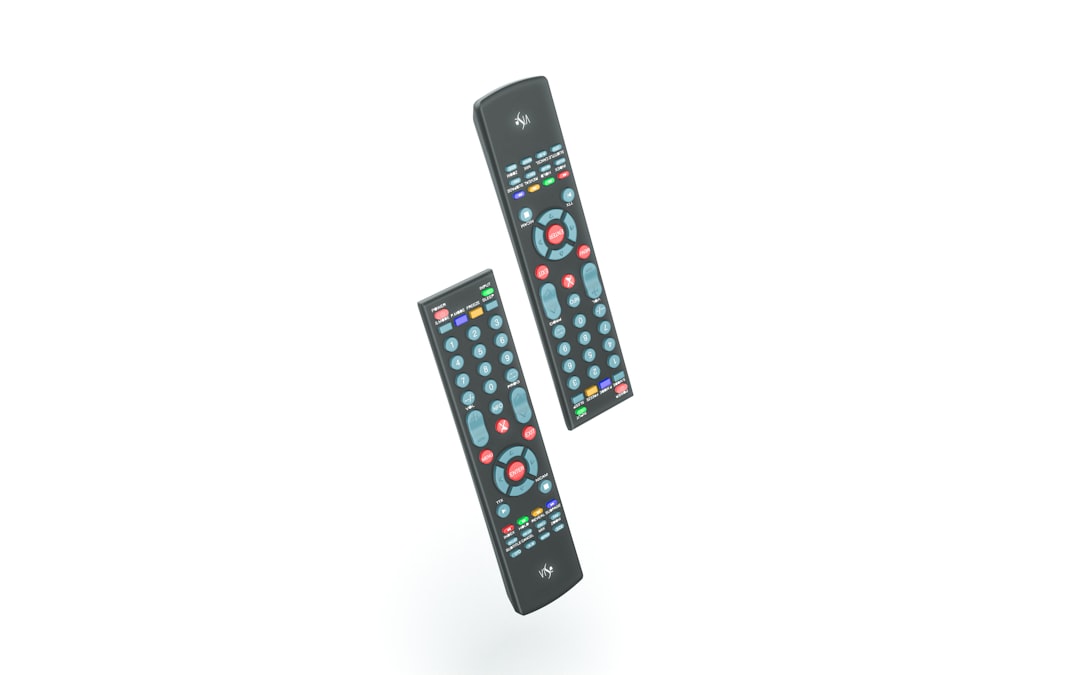
Some third-party manufacturers produce Bluetooth remotes specifically marketed as compatible with Fire TV devices. These can work, but reliability varies.
What to Look for in a Third-Party Remote
- Explicit Fire TV compatibility listing
- Bluetooth support (not just IR)
- Positive customer reviews mentioning successful pairing
- Model-specific compatibility details
Be cautious of vague listings that claim “universal compatibility.” Without Bluetooth functionality, the remote is unlikely to work directly with the Firestick.
Some third-party remotes include:
- Basic navigation remotes
- Remotes with built-in keyboards
- Mini air mouse remotes
Air mouse remotes are especially popular among advanced users but may require more setup and sometimes USB receivers, which standard Firesticks do not support without adapters.
Using the Fire TV App as a Remote
If your physical remote is lost or broken, Amazon provides a practical solution: the Fire TV mobile app.
Available for iOS and Android, the app offers:
- Full navigation controls
- Voice search via Alexa
- Keyboard input
- Quick app launching
As long as your smartphone and Firestick are connected to the same Wi-Fi network, the app can function as a fully operational remote.
This is often the easiest short-term solution before purchasing a replacement remote.
What About Game Controllers?
Some users wonder whether Bluetooth game controllers can be used with a Firestick. The answer is yes, partially.
Compatible Bluetooth controllers can:
- Navigate menus
- Control playback
- Play supported games
However, they are not practical replacements for everyday streaming use due to layout and missing shortcut buttons.
Common Compatibility Problems
Even compatible remotes sometimes fail to work properly. Common issues include:
- Remote not pairing
- Unresponsive buttons
- Volume or power buttons not controlling the TV
- Bluetooth interference
Basic Troubleshooting Steps
- Restart your Firestick (unplug for 30 seconds).
- Replace remote batteries with fresh ones.
- Hold the Home button for 10 seconds to initiate pairing mode.
- Move closer to the Firestick during pairing.
If pairing fails repeatedly, compatibility may be the issue rather than a technical malfunction.
Are All Alexa Voice Remotes Interchangeable?
While many Alexa Voice Remotes are cross-compatible, not all features transfer seamlessly between models.
For example:
- Voice functionality typically works across generations.
- TV volume and power control depends on proper TV setup.
- App shortcut buttons vary by remote version.
If upgrading to a newer Alexa Voice Remote, most users experience full functionality, but it is still advisable to verify your specific Fire TV model.
When You Need an Adapter
In some advanced setups, users attempt to connect remotes through USB adapters. Standard Firesticks do not include USB ports for accessories, but it is possible to use an OTG (On The Go) cable with a compatible power adapter to connect USB receivers.
This setup is generally recommended only for technical users, as configuration can become complex and may not always be stable.
Key Takeaways Before Buying a New Remote
Before purchasing a replacement or universal remote, consider the following checklist:
- Confirm your exact Firestick model.
- Determine whether the remote uses Bluetooth or IR.
- Check whether your TV supports HDMI-CEC.
- Read verified customer compatibility reviews.
- Consider using the Fire TV app temporarily.
Skipping these steps may result in purchasing a remote that looks compatible but fails to pair properly.
Final Verdict: Does Any Remote Work With Firestick?
No, not just any remote will work with a Firestick. Because Fire TV devices primarily rely on Bluetooth, IR-based universal remotes typically do not function unless paired indirectly via HDMI-CEC. Official Amazon remotes remain the most reliable option, while select Bluetooth-enabled third-party remotes can work with proper verification.
If certainty and simplicity are your priorities, purchasing an official Alexa Voice Remote is the safest and most dependable choice. However, with the right setup and compatibility checks, alternative remotes can offer functional — though sometimes limited — control over your Firestick.
Understanding how Firestick connectivity works ensures that you avoid unnecessary frustration and make an informed purchase decision. Always prioritize confirmed compatibility over assumptions, and you will maintain seamless control over your streaming experience.