

Finding online games that are both school-safe and actually fun can feel like searching for a hidden level in a video game. Many popular gaming sites are blocked on school networks, leaving students frustrated during free periods or study breaks. Fortunately, there are still plenty of engaging browser-based games that are educational, low-risk, and accessible on most school Wi-Fi systems. The key is knowing where to look and what makes a game appropriate for a classroom setting.
TLDR: There are many fun and school-safe online games that aren’t blocked, especially those hosted on educational platforms. Puzzle, logic, typing, simulation, and strategy games are especially popular and often allowed by school filters. Sites like Coolmath Games, ABCya, and legitimate io-based games offer entertainment without inappropriate content. Choosing browser-based, ad-light, and education-friendly platforms ensures safe gaming during school hours.
Below, you’ll find a carefully curated list of the best school-safe online games that are typically accessible on school networks, along with details on why they’re worth playing.
Why Some Games Aren’t Blocked at School
Schools use filtering systems to block content that is violent, inappropriate, or purely recreational. However, certain types of games often remain accessible because they:
- Are categorized as educational
- Encourage critical thinking and problem-solving
- Have minimal or no chat features
- Contain little to no violent material
- Run directly in-browser without requiring downloads
Educational game platforms and logic-based puzzle sites often fall into a safe zone. That’s where this list comes in handy.
1. Coolmath Games
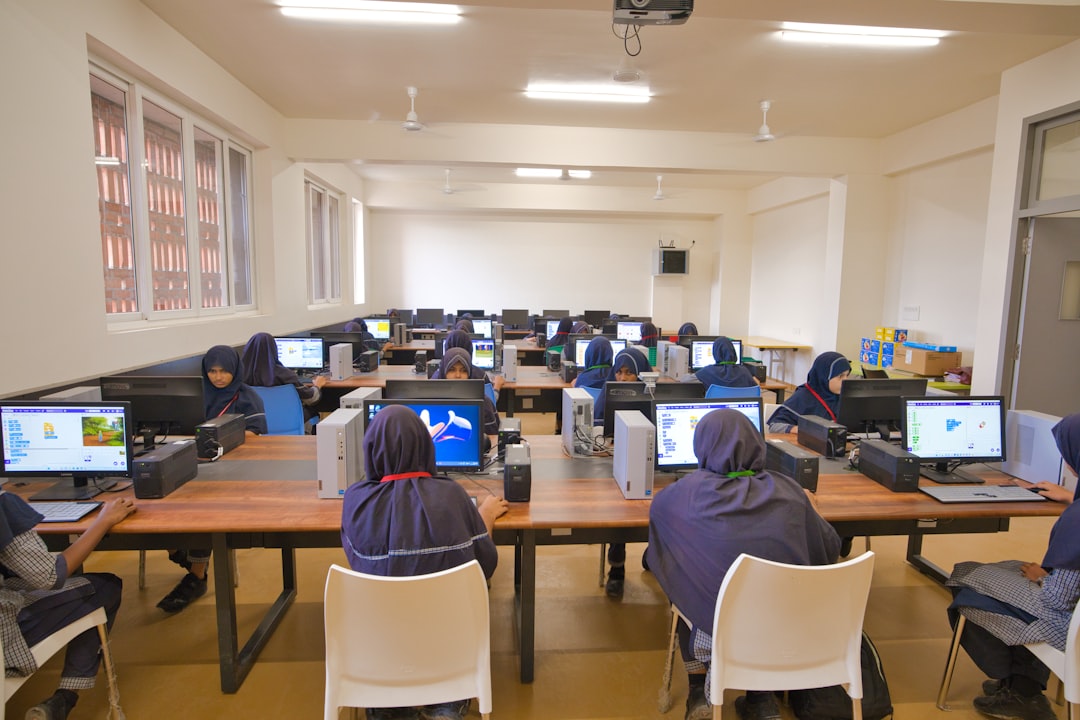
One of the most well-known school-friendly gaming sites, Coolmath Games has been a staple in classrooms for years. Despite the name, not all games are strictly math-based. Instead, many focus on logic, physics, and strategy.
Popular Games on Coolmath:
- Run 3
- Fireboy and Watergirl
- Tiny Fishing
- 2048
These games develop skills like timing, resource management, and strategic planning. Because the site markets itself as educational, it’s frequently allowed through school filters.
2. ABCya
Designed primarily for younger students but still enjoyable for older ones, ABCya offers a wide variety of safe and colorful games. Many teachers even use it as part of lesson plans.
Highlights:
- Typing games that improve keyboard speed
- Word puzzles and spelling challenges
- Logic and memory games
The simple layout and minimal ads make ABCya one of the most consistently accessible school-based game platforms.
3. Google Doodle Games
Google’s interactive doodles aren’t just fun—they’re often educational. From coding Rabbits to Halloween-themed magic duels, these mini-games are surprisingly engaging.
Because they are hosted directly on Google domains, which schools rarely block, they are usually safe to access.
Why They’re Great:
- No downloads required
- Short and quick gameplay sessions
- Educational themes
- Safe and moderated environments
4. Scratch (MIT)
Scratch is more than just a gaming site—it’s a game creation platform. Hosted by MIT, Scratch allows students to both play and design games in a block-based coding environment.
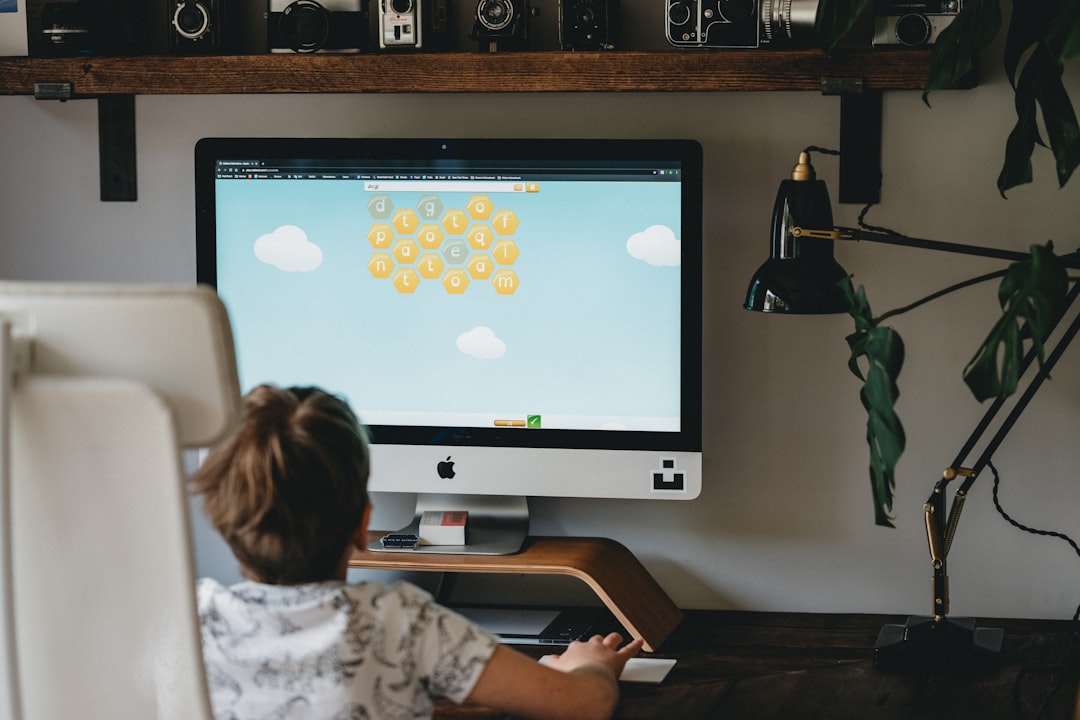
Benefits of Scratch:
- Encourages creativity
- Teaches coding fundamentals
- Community projects are educationally monitored
Many schools actively encourage Scratch use, meaning it’s rarely blocked. It’s perfect for students who want to combine gaming with learning programming skills.
5. TypingClub
If you want to play a game and actually boost your productivity, TypingClub turns keyboard practice into a challenge. Many schools incorporate it into their curriculum, so it’s almost always accessible.
Typing-based games improve:
- Words per minute (WPM)
- Accuracy
- Focus and memory
While it may not be action-packed, improving typing speed is a real-life power-up.
6. Unblocked Puzzle and Logic Games (2048, Sudoko, Chess)
Classic logic games remain some of the safest options. Websites hosting:
- 2048
- Online chess
- Sudoku
- Minesweeper clones
are often categorized under educational or strategy, allowing them through filtering systems.
Chess platforms in particular are widely permitted in schools due to their reputation for improving critical thinking skills.
7. GeoGuessr (Free Versions)
GeoGuessr-style games drop players into a random location using street-level imagery and ask them to guess where they are.
Educational Value:
- Strengthens geography skills
- Enhances observational abilities
- Teaches global awareness
Some fully featured versions may be restricted, but classroom-oriented or free geography quiz alternatives are often accessible.
8. io Games (Select Versions)
Some browser-based io games are simple enough to bypass school filters, especially those without chat features or graphic violence.
Examples That May Be Accessible:
- Agar style cell growth games
- Slither style snake games
- Paper style territory games
However, availability depends on the school’s blocking rules. Games with minimal communication features are more likely to be allowed.
Comparison Chart of School-Safe Online Games
| Platform | Type of Game | Educational Value | Likely Unblocked? | Best For |
|---|---|---|---|---|
| Coolmath Games | Logic, Puzzle, Skill | Medium to High | Often | Short Fun Breaks |
| ABCya | Learning Games | High | Very Likely | Younger Students |
| Google Doodles | Mini Games | Medium | Very Likely | Quick Play Sessions |
| Scratch | Game Creation | Very High | Very Likely | Coding Enthusiasts |
| TypingClub | Typing Practice | High | Almost Always | Skill Building |
| Chess Platforms | Strategy | Very High | Often | Deep Thinkers |
| GeoGuessr Alternatives | Geography Quiz | High | Usually | Explorers |
Tips for Finding Games That Aren’t Blocked
If you’re searching for additional school-safe games, keep these tips in mind:
- Search for “educational version” of popular games.
- Use platforms that teachers recommend.
- Avoid games requiring downloads or plugins.
- Stick to browser-based HTML5 games.
- Choose single-player games without chat options.
Remember, every school network is configured differently. Just because a site works at one school doesn’t mean it will at another.
Are “Unblocked Game” Sites Safe?
Be cautious with websites that advertise themselves specifically as “unblocked games.” While some are harmless mirrors of educational games, others may contain:
- Intrusive ads
- Malware risks
- Inappropriate content
- Hidden chat features
Instead of trying to bypass school restrictions, it’s better to stick with platforms that are naturally allowed. This ensures both your online safety and compliance with school policies.
Benefits of Playing Safe Online Games at School
When chosen wisely, online games at school can actually be beneficial:
- Improves problem-solving skills
- Reduces stress during breaks
- Enhances hand-eye coordination
- Develops typing and cognitive skills
- Encourages creativity and coding knowledge
Short, controlled gaming sessions can help students reset mentally before returning to academic tasks.
Final Thoughts
Playing online games at school doesn’t have to mean skirting around firewalls or risking inappropriate content. There are plenty of school-safe online games that aren’t blocked, especially those designed with education, logic, and skill development in mind. Platforms like Coolmath Games, Scratch, Google Doodles, and typing-based sites provide entertainment while still offering cognitive benefits.
The safest bet? Choose games that teachers might actually approve of. Not only are they more likely to be accessible, but they also turn your free time into something both enjoyable and productive. With the right choices, school gaming can be smart, safe, and surprisingly fun.