

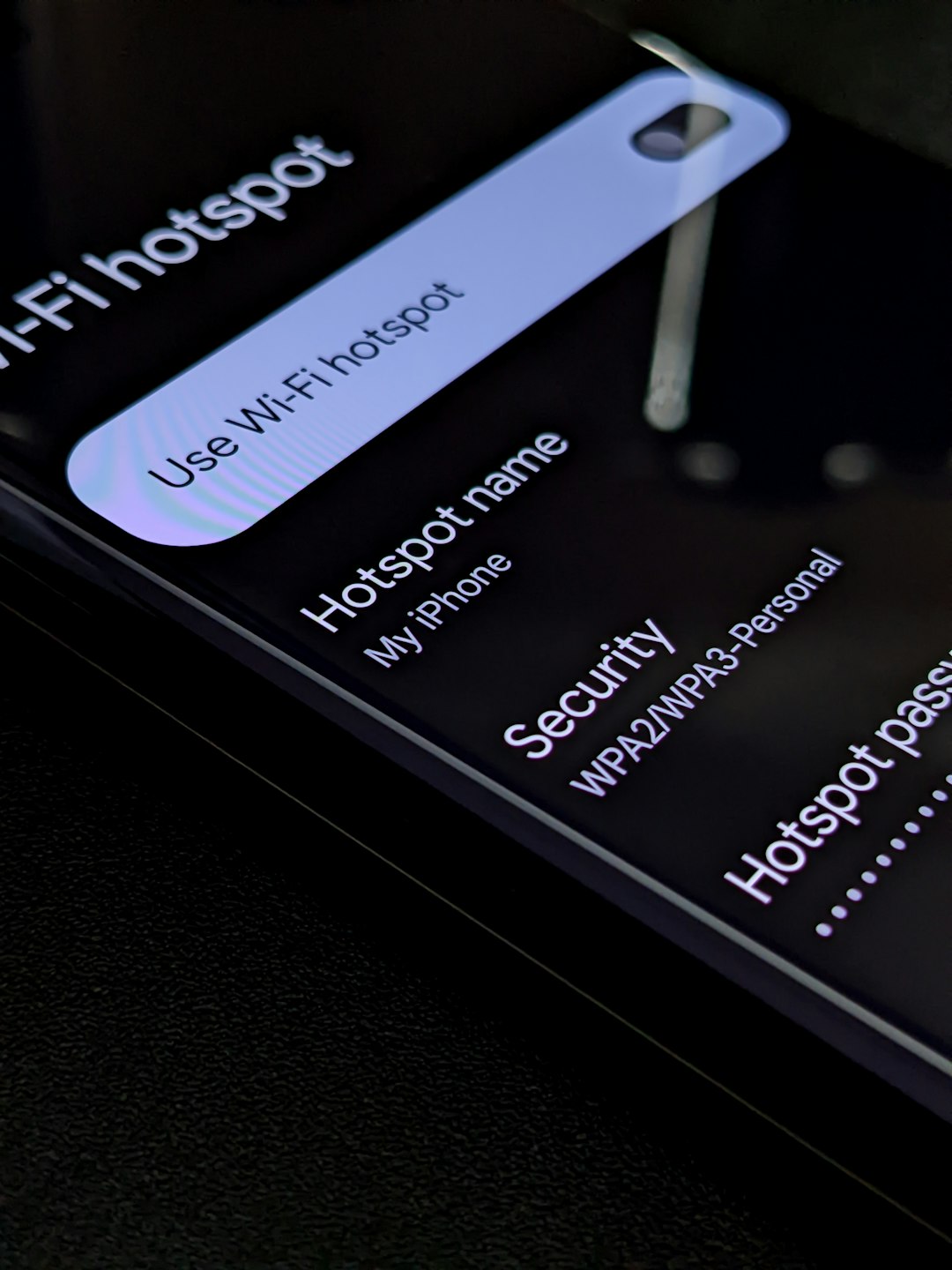
Phones. Tablets. Laptops. They are everywhere in modern business. Employees check email on the train. They edit documents at home. They join meetings from coffee shops. It’s fast. It’s flexible. But it can also be risky.
That’s where Mobile Device Management (MDM) apps come in. Tools like Microsoft Intune help companies control and secure all those devices without turning into the “tech police.” They make life easier for IT teams. And safer for businesses.
TLDR: Mobile Device Management (MDM) apps help companies control and protect work devices like phones, tablets, and laptops. Tools like Microsoft Intune allow IT teams to manage apps, enforce security rules, and even wipe lost devices remotely. They improve security while keeping work flexible for employees. Choosing the right MDM depends on your company size, devices, and budget.
What Is Mobile Device Management?
Mobile Device Management, or MDM, is software that helps businesses monitor, manage, and secure employee devices.
Think of it as a remote control system for company tech.
With MDM, IT teams can:
- Set security rules
- Install and update apps
- Lock or wipe lost devices
- Separate work data from personal data
- Track device compliance
And the best part? They can do all of this from one central dashboard.
Why Businesses Need MDM Today
Work is no longer tied to a desk.
Employees use:
- Company-owned phones
- Personal devices (BYOD)
- Remote desktops
- Cloud apps like Microsoft 365 and Google Workspace
Every device is a potential entry point for hackers.
Without control, things can get messy fast.
Here are real risks companies face:
- Lost or stolen phones with company email
- Employees downloading risky apps
- Weak passwords
- Unsecured public Wi-Fi connections
- Former employees keeping access to business data
MDM tools reduce these risks. They create rules. They enforce them automatically. No constant chasing required.
Meet Microsoft Intune
Microsoft Intune is one of the most popular MDM tools in the world.
It’s part of the Microsoft ecosystem. So it works beautifully with:
- Windows
- Microsoft 365
- Azure Active Directory
- Teams
What makes Intune powerful?
- Cloud-based management
- Device compliance policies
- App protection policies
- Conditional access controls
- Remote wipe capabilities
For example, you can set a rule:
“Only devices with encryption enabled can access company email.”
If a device doesn’t meet that rule? Access denied.
Simple. Smart. Secure.

Other MDM Apps Like Microsoft Intune
Microsoft Intune is great. But it’s not alone.
Here are other popular MDM tools businesses use:
1. VMware Workspace ONE
A powerful enterprise solution.
It supports many device types. It also offers strong identity management features.
Best for: Large organizations with complex needs.
2. Jamf Pro
Made specifically for Apple devices.
If your company runs on MacBooks and iPhones, Jamf is a favorite.
Best for: Apple-focused companies.
3. Cisco Meraki Systems Manager
Cloud-based and easy to deploy.
Strong networking integration.
Best for: Businesses already using Cisco products.
4. IBM MaaS360
AI-powered threat insights.
Strong analytics and reporting tools.
Best for: Security-focused enterprises.
5. ManageEngine Mobile Device Manager Plus
Budget-friendly.
Supports small to mid-sized businesses well.
Best for: Growing companies that need affordability.
Quick Comparison Chart
| Tool | Best For | Key Strength | Cloud Based |
|---|---|---|---|
| Microsoft Intune | Microsoft environments | Deep Microsoft integration | Yes |
| VMware Workspace ONE | Large enterprises | Advanced identity control | Yes |
| Jamf Pro | Apple-only businesses | Apple ecosystem expertise | Yes |
| Cisco Meraki | Networking-focused companies | Network + device control | Yes |
| IBM MaaS360 | Security-heavy industries | AI threat detection | Yes |
| ManageEngine MDM | Small to mid businesses | Affordable pricing | Yes |
Key Features to Look For in an MDM App
Not all MDM solutions are equal.
Here’s what to check before buying:
1. Device Compatibility
Does it support:
- iOS?
- Android?
- Windows?
- macOS?
You want flexibility.
2. Remote Control
Can you:
- Lock a lost phone?
- Wipe company data remotely?
- Reset passwords?
This feature alone can prevent disaster.
3. App Management
You should be able to:
- Push apps to devices
- Block unsafe apps
- Update apps automatically
4. Security Policies
Look for tools that allow:
- Encryption enforcement
- Strong password requirements
- Multi-factor authentication
- Compliance monitoring
5. Reporting and Analytics
You need visibility.
Clear reports help IT teams act fast.
How MDM Makes IT Life Easier
Imagine onboarding a new employee.
Without MDM:
- Manual setup
- Manual software installation
- Manual security configuration
With MDM:
- Ship the device
- Employee logs in
- Everything auto-configures
Done.
Now imagine an employee leaves the company.
Instead of chasing them for access removal, IT clicks one button.
Access revoked. Data wiped.
That’s peace of mind.

What About Employee Privacy?
This is important.
Employees may worry about being “spied on.”
Good MDM solutions separate:
- Work data
- Personal data
This is called containerization.
IT controls only the work container.
Photos? Private.
Personal messages? Private.
Work email? Protected.
That balance builds trust.
Benefits of Using MDM Apps
Let’s simplify it.
MDM gives companies:
- Stronger security
- Centralized control
- Faster onboarding
- Lower IT workload
- Regulatory compliance support
- Better visibility of devices
In short?
Less chaos. More control.
Industries That Rely on MDM
Almost every industry can benefit.
But some rely on it heavily:
- Healthcare – Protect patient data
- Finance – Secure transactions
- Education – Manage student devices
- Retail – Control POS systems
- Remote tech companies – Manage distributed teams
If sensitive data is involved, MDM is essential.
How to Choose the Right MDM for Your Business
Ask yourself:
- How many devices do we manage?
- Are they company-owned or BYOD?
- Do we rely heavily on Microsoft tools?
- What is our budget?
- Do we operate in a regulated industry?
Small startup?
A lightweight and affordable tool may be perfect.
Large enterprise?
You might need deep integrations and advanced controls.
There is no one-size-fits-all answer.
The Future of Mobile Device Management
Devices are getting smarter.
Work is getting more remote.
Cyber threats are getting more advanced.
MDM tools are evolving too.
Expect to see:
- More AI-driven threat detection
- Stronger zero-trust security models
- Better automation
- Deeper cloud integration
The goal is simple:
Secure everything. Manage it easily. Slow nothing down.
Final Thoughts
Mobile Device Management apps like Microsoft Intune are no longer optional.
They are essential.
They protect company data.
They simplify IT operations.
They support flexible work.
And they do it all quietly in the background.
If your employees use devices to work, you need a plan to manage them.
An MDM solution is that plan.
Because in today’s world, security isn’t just about locking doors.
It’s about locking devices.
And doing it smartly.