

Artificial intelligence has rapidly transformed the creative industry, giving designers powerful tools to generate high-quality visuals in seconds. While Adobe Firefly has become a popular choice thanks to its seamless Creative Cloud integration, it is far from the only solution available. From concept art and marketing graphics to product mockups and social media visuals, multiple AI-driven platforms now offer robust image-generation capabilities tailored for professional designers.
TLDR: Designers seeking alternatives to Adobe Firefly have several powerful AI image generation tools to consider. Platforms like Midjourney, DALL·E, Leonardo AI, Stable Diffusion, Canva AI, and Runway ML offer diverse features including text-to-image rendering, style control, collaboration tools, and commercial licensing options. Each tool caters to different design needs, from concept art to marketing materials. Choosing the right solution depends on workflow requirements, budget, and desired creative control.
1. Midjourney
Midjourney has become a favorite among designers and digital artists for its highly stylized, visually striking outputs. Operating primarily through Discord, it allows users to generate images based on detailed text prompts. Many creative professionals appreciate its ability to deliver cinematic lighting, intricate textures, and emotionally compelling compositions.
Key features:
- High-quality artistic rendering
- Strong stylization capabilities
- Community-driven feedback environment
- Advanced prompt weighting and variation tools
Midjourney is particularly effective for concept artists, branding designers exploring mood boards, and illustrators searching for inspiration. However, its Discord-based workflow may feel less intuitive to traditional designers accustomed to dedicated graphical interfaces.
2. DALL·E
DALL·E, developed by OpenAI, is widely recognized for its versatility and ease of use. It can generate realistic, abstract, or illustrative imagery from natural language prompts. Designers benefit from its ability to edit existing images, extend canvases, and modify specific regions with inpainting tools.
Key features:
- Text-to-image and image-to-image capabilities
- Inpainting and outpainting tools
- High realism and detail control
- Accessible web-based interface
DALL·E is particularly attractive for designers who need to iterate quickly on marketing visuals, website assets, or conceptual product imagery. Its intuitive editing features make it practical for client-facing projects where revisions are common.
3. Leonardo AI
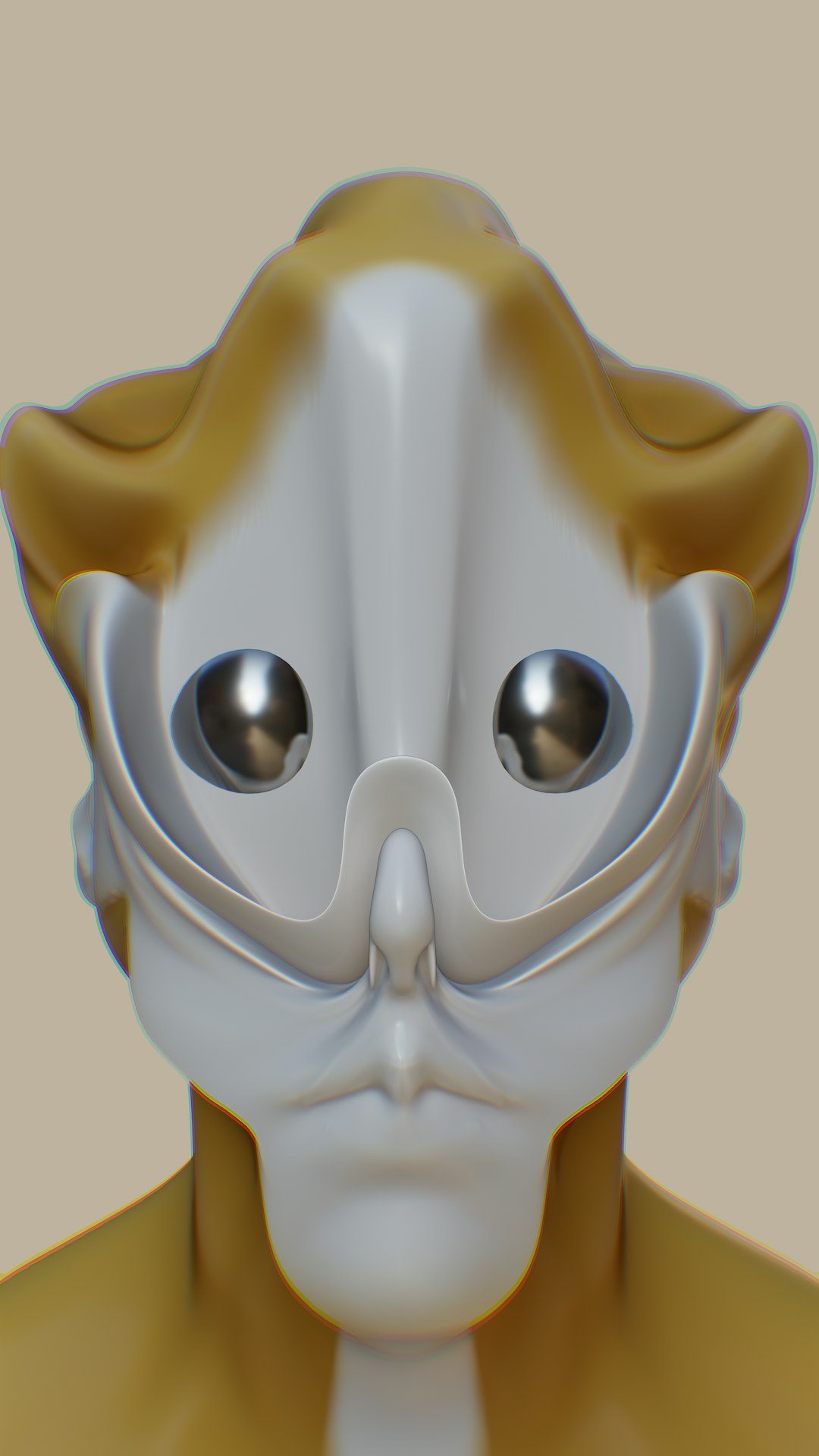
Leonardo AI is tailored for professional creators who require detailed customization and production-ready outputs. It offers powerful model training capabilities, allowing designers to create custom visual styles aligned with brand guidelines.
Key features:
- Custom model training
- Game asset generation
- High-resolution export options
- Asset management tools
Game designers and 3D artists often gravitate toward Leonardo AI due to its capacity to generate cohesive character designs and environments. It supports creative experimentation while maintaining stylistic consistency — a crucial factor in game development and serialized content creation.
4. Stable Diffusion
Stable Diffusion stands out for its open-source flexibility. Unlike many commercial tools, it allows designers and developers to run the software locally and modify it extensively. This high degree of customization makes it popular within technically proficient creative circles.
Key features:
- Open-source architecture
- Extensive community plugins
- Local deployment options
- Fine-grained image control
Design teams that require full ownership of assets and data often prefer Stable Diffusion. With the right technical setup, it becomes a powerful tool for generating everything from editorial illustrations to realistic product mockups.
5. Canva AI (Magic Media)
Canva AI, integrated into the popular design platform Canva, brings AI image generation to a broader audience. It does not offer the same depth of control as Midjourney or Stable Diffusion, but it provides unmatched ease of use.
Key features:
- Seamless integration with templates
- Quick social media graphics creation
- User-friendly interface
- Collaboration tools for teams
Marketing designers and social media managers benefit greatly from Canva AI’s efficiency. Instead of switching between platforms, users can generate images and immediately incorporate them into presentations, ads, and posts.
6. Runway ML
Runway ML combines AI image generation with advanced video editing capabilities. It is ideal for multimedia designers who need both still and motion graphics solutions in one ecosystem.
Key features:
- Text-to-image and text-to-video tools
- Background removal and object tracking
- Real-time collaboration features
- Integration with professional editing workflows
Creative agencies working on video campaigns or interactive media projects often choose Runway ML. Its multi-modal approach makes it more than just an image generator — it becomes a comprehensive creative suite.
Comparison Chart
| Tool | Best For | Ease of Use | Customization | Commercial Use |
|---|---|---|---|---|
| Midjourney | Concept art, branding visuals | Moderate | High stylization control | Yes (paid plans) |
| DALL·E | Marketing assets, editing tasks | Easy | Strong editing tools | Yes |
| Leonardo AI | Game design, custom models | Moderate | Very high | Yes |
| Stable Diffusion | Advanced users, full customization | Technical | Extremely high | Yes |
| Canva AI | Social media, marketing teams | Very easy | Basic | Yes |
| Runway ML | Video and multimedia projects | Moderate | High | Yes |
How Designers Should Choose the Right Tool
Selecting the ideal AI image generation software depends on several factors:
- Workflow integration: Designers who rely heavily on Adobe products may prefer tools that integrate smoothly.
- Creative control: Advanced users often require deeper prompt manipulation and model fine-tuning.
- Speed and collaboration: Marketing teams benefit from platforms that combine generation with layout tools.
- Licensing clarity: Commercial rights and ownership policies differ between platforms.
Ultimately, AI tools should enhance — not replace — human creativity. The most successful designers use these platforms as collaborators, accelerating ideation while applying human judgment to refine the final output.
Frequently Asked Questions (FAQ)
1. Are AI-generated images safe for commercial use?
Most major platforms offer commercial licenses under paid plans. However, designers should always review each tool’s terms of service to understand usage rights and potential limitations.
2. Which tool is best for beginners?
Canva AI and DALL·E are generally the most beginner-friendly due to their intuitive interfaces and minimal technical setup requirements.
3. Can these tools fully replace graphic designers?
No. While AI tools accelerate production and ideation, professional designers provide strategic thinking, brand alignment, and creative direction that AI cannot replicate independently.
4. Do these tools require technical skills?
Some do. Stable Diffusion, for example, may require technical knowledge for local installation and customization, whereas Canva AI requires virtually none.
5. Which tool offers the most customization?
Stable Diffusion and Leonardo AI provide the highest levels of customization, particularly for users interested in training models or adjusting generation parameters extensively.
6. Are there free versions available?
Many platforms offer limited free tiers or trial credits. However, professional designers typically benefit from paid subscriptions that unlock higher resolutions and expanded licensing rights.
As AI continues to evolve, designers now have an unprecedented range of tools to expand their creative capabilities. By selecting the right platform for their workflow, they can unlock faster ideation, richer visual storytelling, and more innovative results than ever before.