

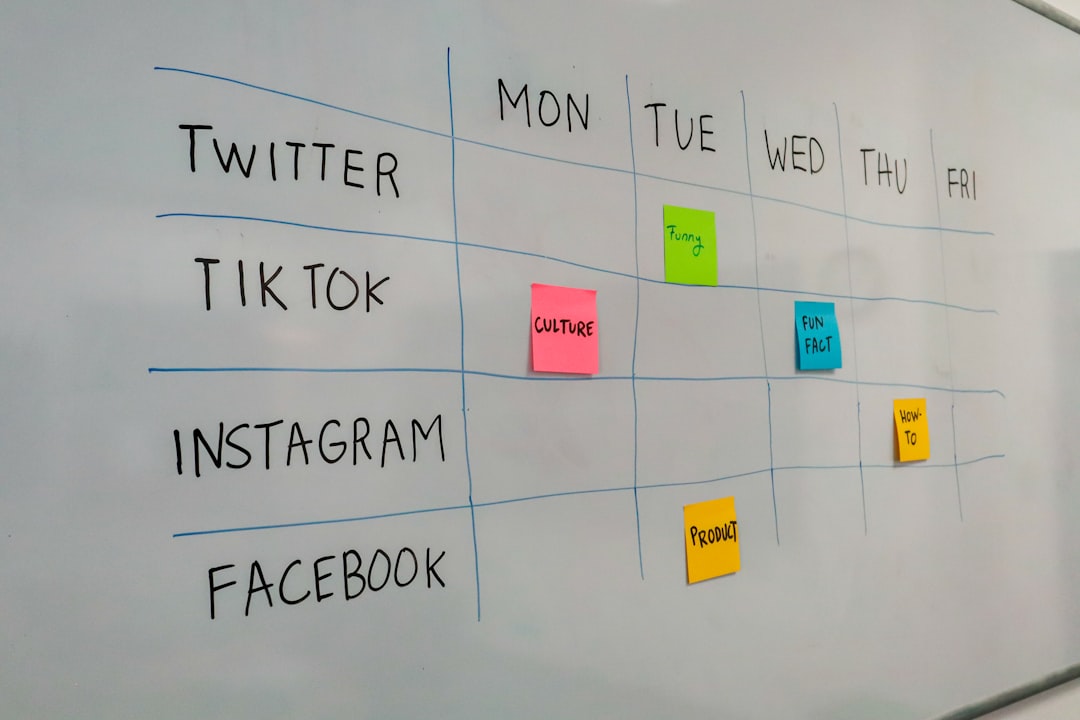
Juggling multiple social media platforms, newsletters, videos, and creative content can be overwhelming for solo creators. The demand to publish regularly, stay organized, analyze performance, and connect with audiences is constant. Luckily, the right marketing tools can streamline your process and help you focus on what you do best: creating amazing content.
TL;DR: If you’re a solo creator managing multiple channels, you’ll need top-tier marketing apps to stay efficient and organized. This article highlights seven trusted tools designed to help creators schedule content, track performance, and stay productive. These apps will support you in tackling the complexities of multi-platform marketing. Consider them essential allies in your growth as a creator.
1. Buffer – Streamlined Social Media Scheduling
Why choose Buffer? Because it simplifies the all-too-complicated job of social media scheduling and analytics. Buffer supports multiple platforms including Instagram, Twitter, Facebook, LinkedIn, and Pinterest. For creators managing content across several profiles, this is a lifesaver.
- Multi-platform scheduling from one dashboard
- Smart posting based on audience behavior
- Quick performance analytics
- Content calendar with drag-and-drop functionality
Buffer’s ease-of-use and clean interface make it a trusted platform for solo creators with limited capacity for training on complex tools. If your main issue is coordinating publishing schedules across platforms, Buffer is a fantastic solution.
2. Notion – The All-in-One Productivity Hub
If content creation involves lots of checklists, idea logs, brand guides, and calendars (spoiler alert: it does), then you need a tool that covers it all. Notion offers unmatched flexibility for solo creators organizing their workflows.
- Create customized dashboards to suit your content workflow
- Embed calendars, kanban boards, tables, and documents in one space
- Share content planning docs with collaborators or sponsors
- Use templates designed specifically for content creation
Whether you’re tracking YouTube scripts, planning a 30-day Instagram campaign, or managing sponsorship contacts, Notion adapts to your unique needs. It combines the best of note-taking, task-tracking, and database functionality—all in one place.
3. Canva – Effortless Visual Content Creation
You already know how crucial visuals are in marketing—but not all creators are trained designers. Canva bridges that gap with user-friendly tools for making professional-looking content fast. From creating YouTube thumbnails to Instagram reels covers, Canva saves time and effort without compromising quality.
- Access to thousands of customizable templates
- Drag-and-drop platform with built-in photo editing tools
- Organize brand assets across different marketing campaigns
- Team collaboration features—even if it’s just between your laptop and phone
Its content planner and ability to schedule social posts directly from the app also make Canva more than just a design tool. It’s a smart choice for any visual-heavy content workflow.

4. ConvertKit – Email Marketing for Creators
Email is one of the most reliable channels for reaching your audience. ConvertKit was built with digital creators in mind, allowing artists, writers, podcasters, and YouTubers to build powerful email sequences with minimal technical knowledge.
- Automated email funnels to nurture audiences
- Tag-based segmentation for personalized content
- Built-in landing pages and opt-in forms for growing your list
- Monetization tools like paid newsletters and digital product sales
ConvertKit empowers creators to own their audience—a key principle for anyone relying heavily on social algorithms. Its focus on ease-of-use while maintaining advanced functionality makes it indispensable.
5. Metricool – Deep-Dive Into Analytics
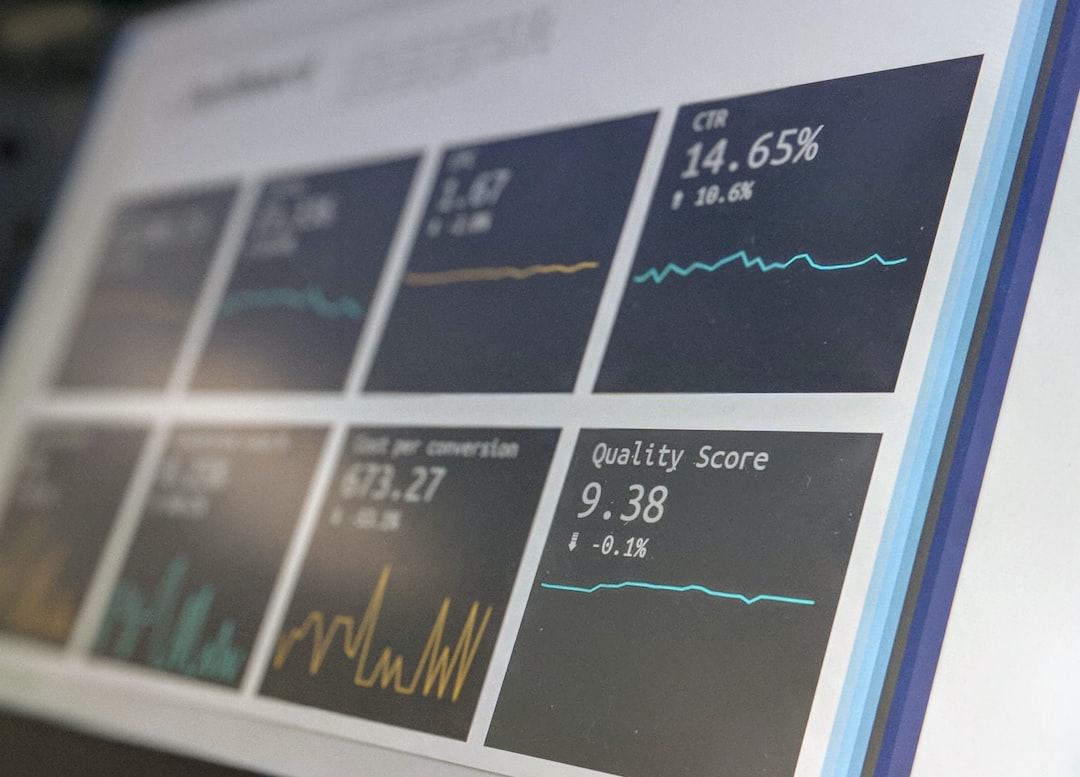
For solo creators, knowing what works (and what doesn’t) is vital. Metricool offers detailed analytics for social media, blogs, and even paid ads—all under one roof. What sets it apart is the way it presents data without overwhelming you.
- Track content performance across platforms like YouTube, TikTok, and Instagram
- Visualize growth trends, engagement metrics, and audience demographics
- Export reports for sponsors or personal benchmarking
- Analyze competitor performance with benchmarking tools
Metricool is especially beneficial if you’re managing multiple platforms and need real-time insights to revise strategy quickly. Think of it as your marketing microscope.
6. Zapier – Automation Without Coding
Manual tasks slow you down. Zapier helps solo creators automate repetitive actions between tools—without writing a single line of code. You could automatically publish new blog posts to Twitter, save YouTube comments to a spreadsheet, or get Slack alerts every time your newsletter gains a new subscriber.
- Supports over 5,000 apps and integrations
- Automate publishing, reporting, outreach, and more
- Improve efficiency by removing copy-paste tasks
- Time-saving “Zaps” that connect dozens of creator tools
Solo creators often wear many hats—and Zapier helps lighten the load by ensuring your tools talk to each other seamlessly. Plus, setting up automations doesn’t require advanced tech skills.

7. Trello – Editorial and Campaign Planning
When your workload includes managing a YouTube series, writing newsletters, and planning a podcast rollout, clarity is critical. Trello serves as a visual project management tool, ideal for editorial calendars and campaign organization.
- Based on intuitive kanban boards—great for task visualization
- Create checklists, deadlines, cards, labels, and attachments
- Track progress of campaigns week-by-week or deliverable-by-deliverable
- Integrates well with Notion, Google Drive, Slack, and more
Whether you’re running a monthly content theme or iterating a multi-platform launch, Trello gives you bird’s-eye visibility of your workload. It works particularly well when combined with other tools like Notion or Zapier.
Final Thoughts: How to Choose the Right Stack
As a solo creator, the last thing you need is to juggle too many apps or choose ones that over-complicate your workflow. Ask yourself these questions when selecting your marketing toolkit:
- Does this tool reduce my manual work, or increase it?
- Can I afford this tool long-term?
- Does it integrate easily with the tools I already use?
- Is the learning curve small enough for me to start using it immediately?
Ultimately, the goal of using marketing apps is to make more space for deep, focused creative work. These seven tools aren’t just popular—they’re high-impact, cost-effective solutions built with creators in mind. Used wisely, they’ll add hours back to your week and give your content the strategic edge it needs.
Take the time to test them, experiment with what fits, and build a lean, powerful marketing stack that grows with you.