

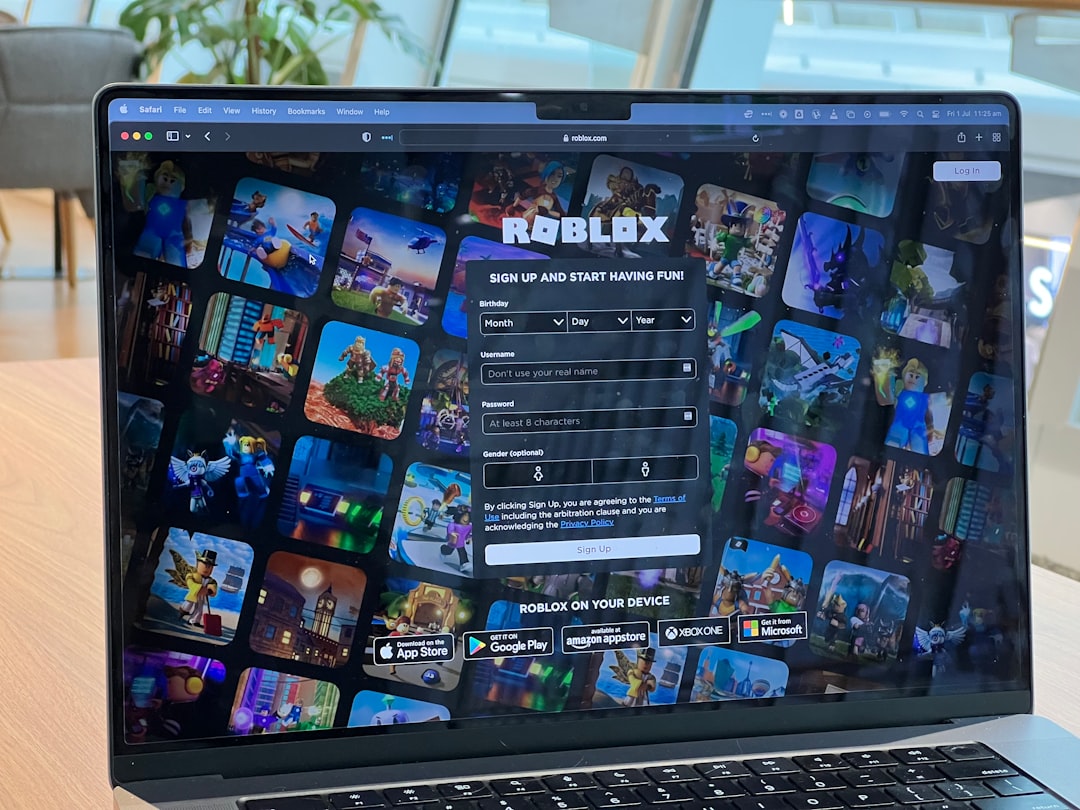
Roblox is one of the world’s most popular online gaming platforms, enabling millions of users to create, share, and explore virtual experiences created by others. Like any large online platform, Roblox enforces certain community standards and rules to ensure a safe environment for all users. When users break these rules, their accounts may be flagged, suspended, or permanently banned. But how can other users check if a specific Roblox user has been banned? While this information isn’t directly provided by Roblox, there are still a few trusted and indirect ways to gain insight into whether a user is banned or not.
TL;DR
If you’re looking to see whether a user is banned on Roblox, direct access to this information isn’t openly provided by the platform due to privacy reasons. However, through examining profile URLs, group memberships, and employing third-party tools cautiously, you can gather clues to determine if someone might be banned. Roblox’s strict moderation system removes many banned users from its search engine and web visibility. Always use ethical and legal means to find this information.
Why Users Get Banned on Roblox
Bans on Roblox can occur for a variety of reasons. Understanding why users get banned helps contextualize why you might be looking up this information in the first place. Here’s a list of the main causes:
- Violation of Community Guidelines – This includes offensive language, cyberbullying, and inappropriate behavior.
- Exploiting or Hacking – Tampering with the system or using cheat tools to gain unfair advantages.
- Scamming and Phishing – Attempting to deceive or trick users into giving out personal information or Robux.
- Spamming or Advertising – Engaging in excessive, irrelevant posts or promotions.
- Uploading Inappropriate Content – Violating standards regarding avatars, game assets, or messages.
Understanding these rules can also help you avoid a ban yourself by staying informed about Roblox’s policies.
How to Tell If a User Is Banned
While Roblox does not publicly list banned users for privacy and moderation integrity reasons, there are a few signs and investigation methods that you can use to make an educated judgment. Below are the most common and legitimate techniques:
1. Checking Their Profile
The first step is checking the user’s profile directly by visiting this URL format:
https://www.roblox.com/users/USERID/profile
Replace USERID with the known user ID or username. If the link leads to a page with a “User not found” or “404 Error,” it could mean the user is banned or the username does not exist. However, users also sometimes delete their accounts voluntarily, so this is not definitive proof.
What to look out for:
- “This page cannot be found or no longer exists” – Indicates ban or deletion.
- No avatar, description, or friends list – Could be privacy settings or a possible ban.
- Username exists but cannot be searched or interacted with – Likely banned.
2. Using Roblox’s Search Function
The Roblox search tool allows users to look up other players. If a user you previously interacted with suddenly no longer shows up in Roblox search, it could mean the account has been terminated. However, keep in mind that users can change their privacy settings to limit searchability.
Key Steps:
- Type the username into the search bar.
- Check whether their profile, games, or groups show up.
- If nothing appears, this could be a sign of a ban.
3. Trying to Message or Add Them
Another sign is if you can no longer send messages to the user or add them as a friend—especially if they were previously your friend and suddenly disappear. If messages you sent remain unread indefinitely or the “Add Friend” button is gone, it may indicate they are no longer active on the platform.
This method has certain limitations, such as:
- They may have changed their privacy settings.
- They may have blocked you.
- Their account is deleted or banned.
4. Reviewing Group Activity
If the user was a member of a specific Roblox group, they would usually appear in the group’s participant list. When a user is banned, their username and avatar often disappear from those groups. While this method is indirect, it’s still useful when cross-referencing suspicious profiles or tracking group history.
5. Using Third-Party Tools (With Caution)
There are several Roblox analytics websites and browser extensions like:
These platforms sometimes provide detailed user histories and trading activities. If a user’s assets are frozen, or trade history stops abruptly, it could be due to a ban or suspension. Always take these signals with a grain of salt and never rely exclusively on third-party results. Be cautious and avoid providing any personal information to non-Roblox websites.
Important Legal and Privacy Considerations
It’s crucial to remember that while you’re curious about banned users, you need to remain ethical and legally compliant. Roblox intentionally does not make ban lists public to protect users’ identities and respect privacy policies.
Here’s what you should not do:
- Attempt to hack or gain unauthorized access to any user profiles or group logs.
- Publicly name or shame users you suspect are banned without absolute proof.
- Use scripts, bots, or data scrapers to uncover hidden or deleted profiles.
Following Roblox’s terms of service is essential when undertaking any form of account investigation. Misconduct could lead to your own account being penalized or banned.
Can You Appeal or Report a Banned Account?
If the banned user is someone you know and the ban seems unfair, Roblox does offer an account appeal process. However, only the account owner can initiate such an appeal. You cannot do it on their behalf.
The appeal process can be accessed through the official Roblox support page:
https://www.roblox.com/support
When reporting an account you believe should be banned, ensure you have valid justification and include relevant evidence. False reports can lead to penalties for you.
Conclusion
While Roblox does not offer a public list of banned users, you can use several indirect methods to potentially identify whether an account has been suspended or terminated. From profile accessibility and search visibility to group participation and careful use of trusted third-party platforms, the clues are there if you know where to look.
Exercise caution, respect privacy policies, and stay within legal boundaries. Your curiosity shouldn’t come at the expense of someone else’s online dignity—or your own account’s integrity.